


Welcome to the Backpacking Trip Planning Resources Trailhead
How to plan a backpacking trip? That’s the biggest question – more than “what gear to use” or “what trails to hike” – that beginning backpackers ask. Planning a backpacking trip, even a short one, can feel overwhelming. That’s because there’s a large variety of tools and skills to learn, and it’s hard to know where to start.
This article is one of Backpacking Light’s curated gateway pages (a trailhead, so to speak). Think of it as a starting point. Here, you’ll find information and resources about how to plan a backpacking trip. We’ve got lists of our favorite software, gear guides for navigation and trip planning, video and podcast embeds, and other trip-planning resources. You’ll learn how to spot potential water sources on a map, how to anticipate elevation gain, how to plan for longer trips, how to identify great backpacking trails, and more. You might be planning your first backpacking trip or your 50th, but either way, we think you’ll find something useful.
About this Trailhead: Curated and maintained by our staff, this Trailhead page includes an overview of the topic and links to information and resources at the Backpacking Light website. Those resources may consist of gear reviews, technology and testing, research, skills articles, online education (webinars, masterclasses, or other types of online courses), podcast episodes, forum threads, product recommendations, and other discovery tools, including our Gear Finder, Gear Shop, and Site Search engine.
Backpacking Trip Planning Education at Backpacking Light
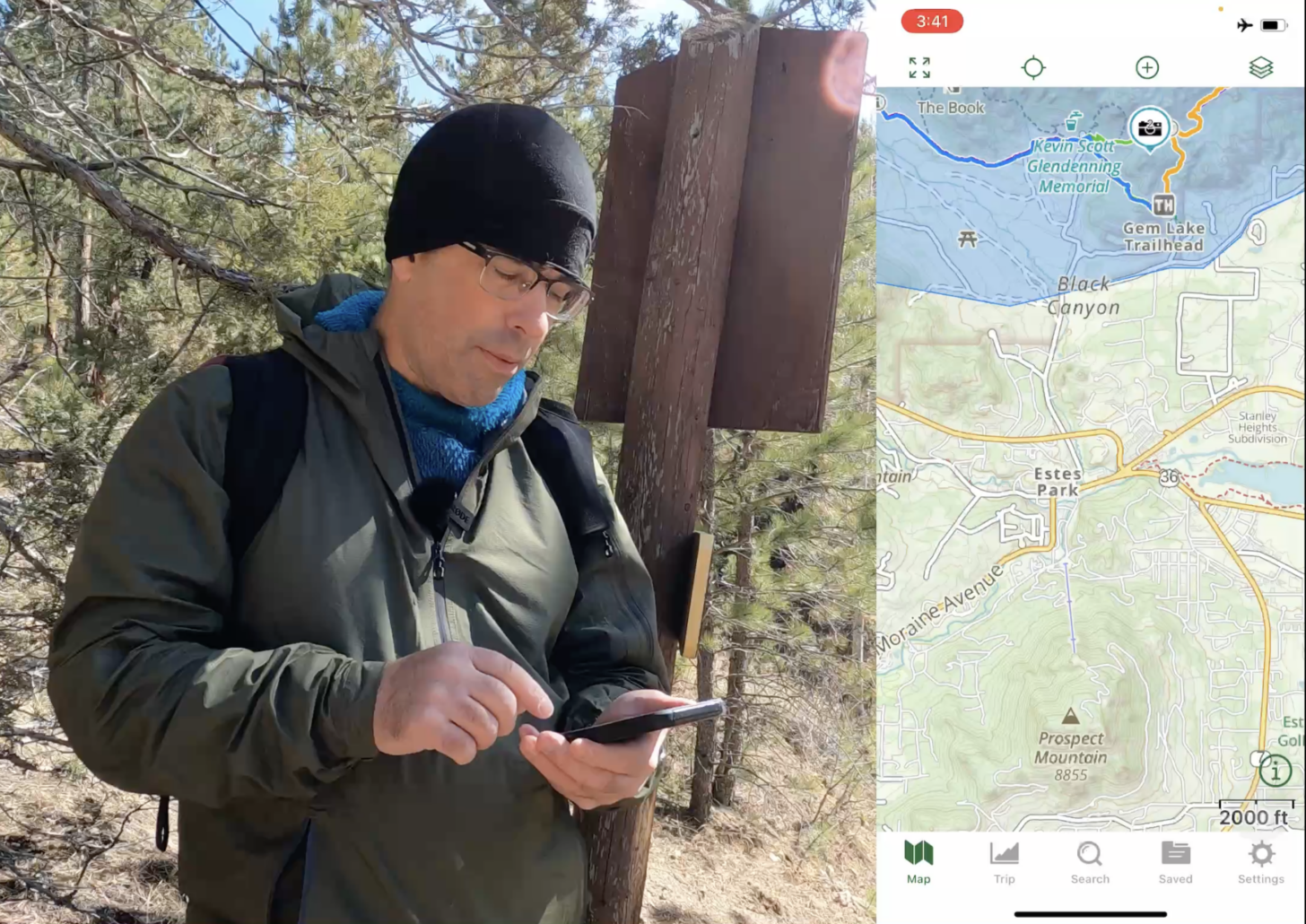
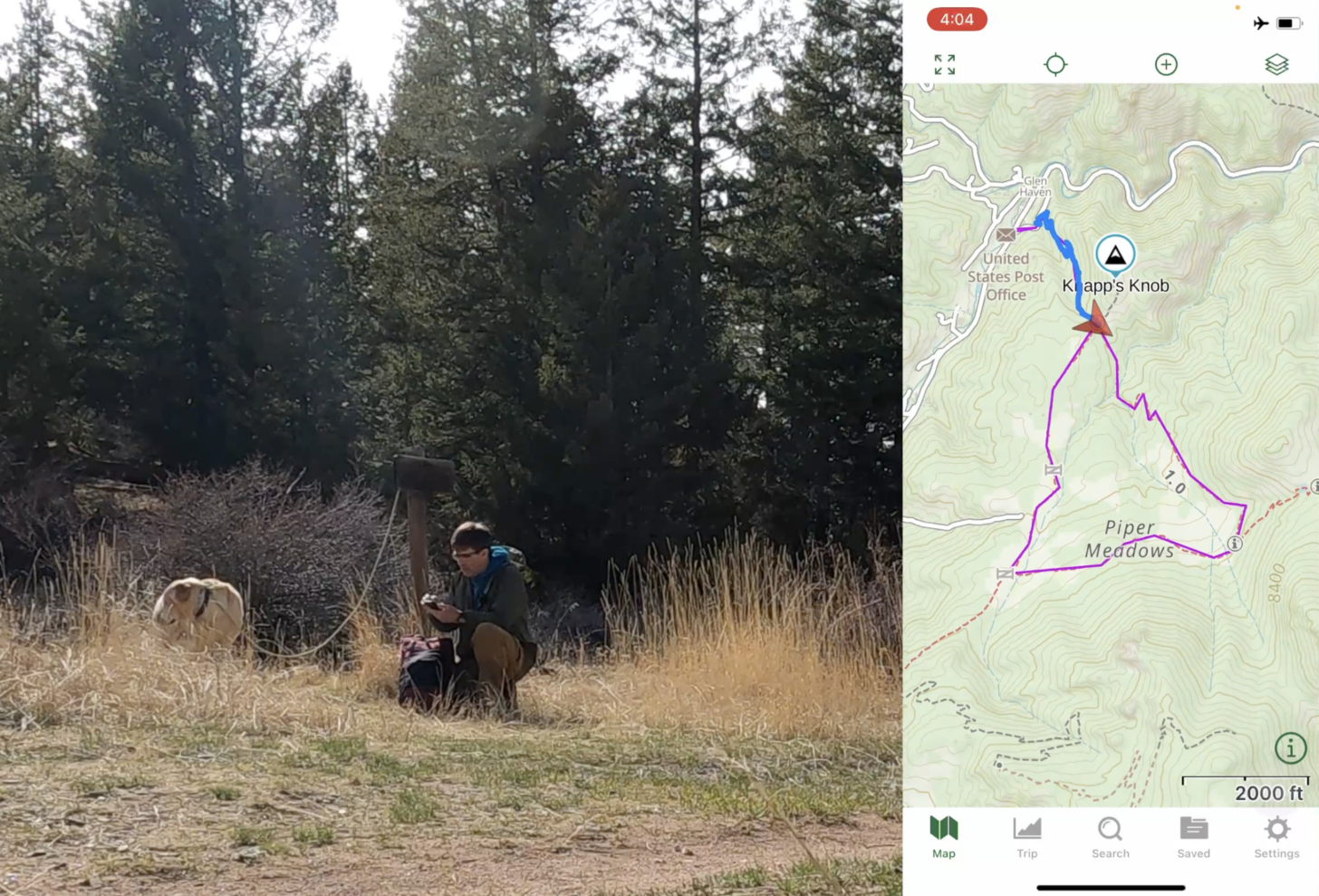
One of our preferred trip planning and navigational software tools at is Gaia GPS. The following material demonstrates how to use it, as well as other trip planning and navigational skills:
- Masterclass: How to Use Gaia GPS
- Masterclass: Trek Planning
- Masterclass: How to use the Garmin inReach
- Member Q&A: How to Manage Electronics and Batteries in the Backcountry
Backpacking trip planning software
There are many software tools that are useful for planning backpacking trips. The following are examples of some that our staff and authors use on a regular basis, as well as some of the features that set them apart:
- Gaia GPS Software – online mapping, beautiful map layers, premium version, very nice user interface, powerful route planning features, GPS import/export, desktop and mobile versions, and regular updates. In addition to route planning, we use this for real-time navigation on a smartphone as well.
- Caltopo – Powerful and feature-rich mapping software. Also has a mobile app.
- Fatmap -beautiful and user-friendly 3D maps that can download to your phone for offline functionality.
- FarOut (formally Guthook) – trail resources for popular long-distance trails. The go-to choice for thru-hikers.
- Orbit Satellite Tracking – a smartphone app used to monitor satellite positions, which can help optimize your use of a satellite communicator or GPS device.
- Windy and Meteoblue – wind and weather forecasting.
For more in-depth information on trip planning software and skills, check out the following pieces of content:
James Montavon compared his experience using Gaia GPS to other trip planning apps and websites for a trip through Colorado’s Rawah Wilderness:
Trip Planning
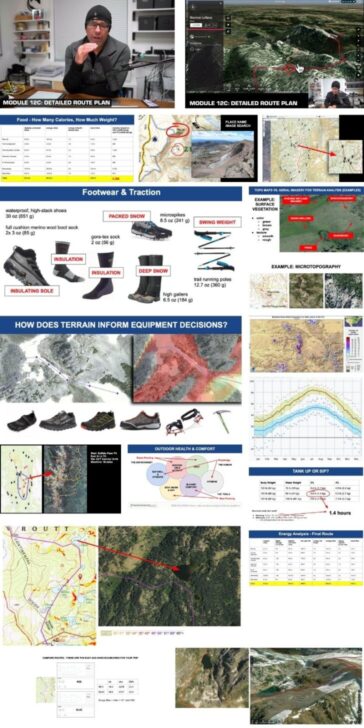
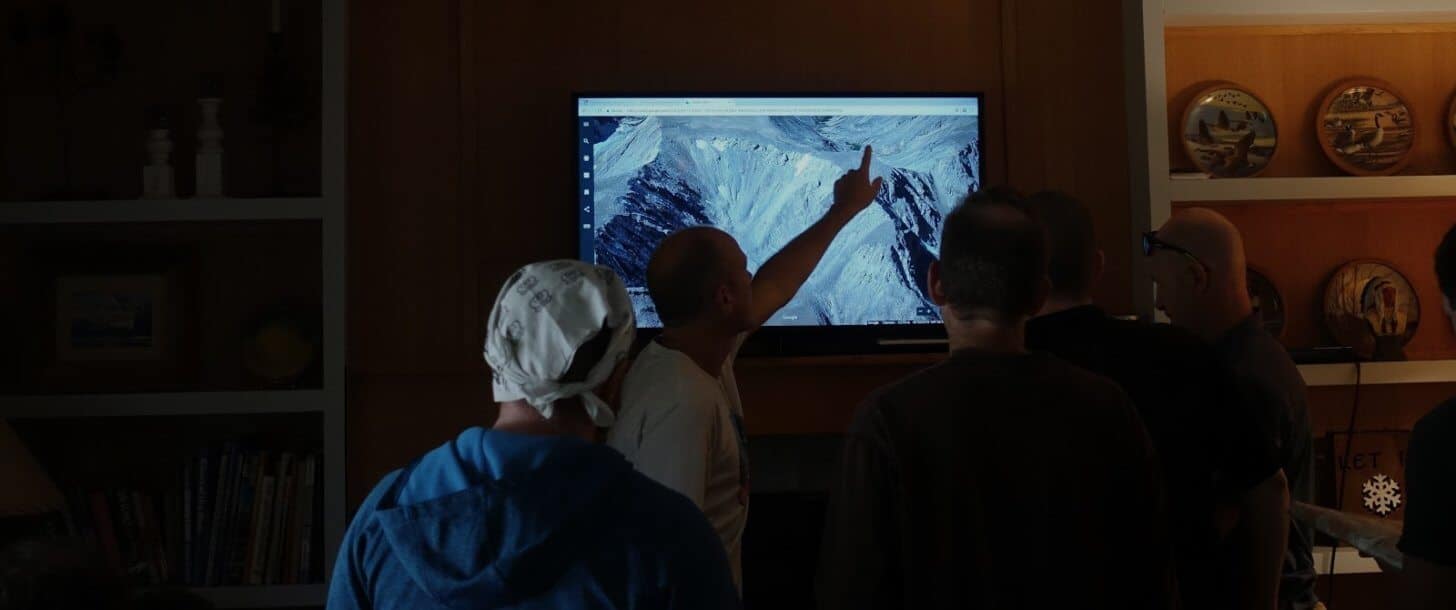
Our content library features several podcasts to help you plan your trip. If you are looking to supplement traditional route planning tools such as paper maps with modern digital tools to create a powerful and flexible route-planning system, check out:
- Skills: Resources, Tools, and Processes for Planning Nontechnical, Off-trail Backpacking Routes
- Skills: Planning Complex Backpacking Trips: Best Practices
- Skills: Case Studies: Using Google Earth to Plan Wilderness Trips
- Podcast: Episode 33 | Digital Route Planning
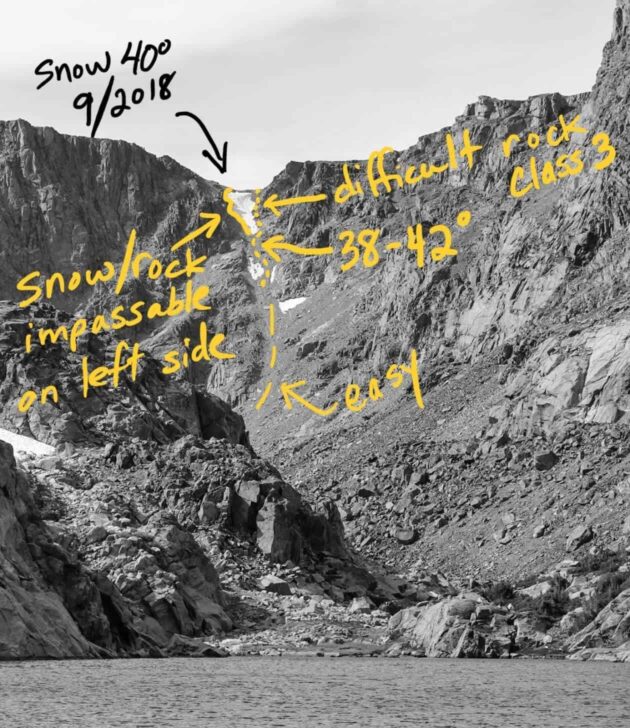
Whether you are using a GPS, map and compass, or an alternative navigational strategy when in the wilderness, know your gear and how to use it is very important:
- Skills: How to Use Turn-by-Turn Directions for Simple Backpacking Navigation
- Skills: Navigating Without a Compass, Map, or GPS
For more general navigation advice using Backpacking Light’s Wilderness Adventures treks as a case study, check out:
- Gear Shop: Take a look in our Gear Shop.
- Podcast: Episode 5 | Navigation
Electronics
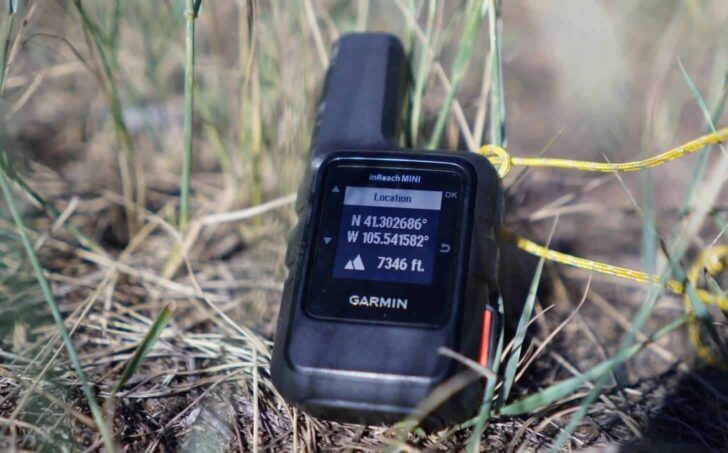
The lightest and most reliable satellite messenger on the market is the Garmin inReach Mini 2. It integrates with the Garmin Fenix series of watches, allowing for fitness monitoring in addition to GPS and altimeter use.
- Gear Review: Garmin inReach Mini 2 Review.
- Gear Review / Interview: Garmin inReach Mini 2 Review, with Interview with Chip Noble
- Forums: New Garmin inReach Mini 2
What about using your phone to replace your Garmin inReach?
- News: Can Apple’s New iPhone 14 replace your Garmin inReach?
- Forums: iPhone vs Android for GPS?
- Forums: iPhone built-in compass not that good?
- Forums: Apple Watch vs IPhone for GPS
When using electronics in the backcountry, managing your battery life is an important skill. To learn more about managing your battery life, check out:
- Podcast: Episode 56 | Portable Battery Chargers for Backpacking
- Gear Testing & Research: BatteryBench: A Protocol for Testing Portable Battery Chargers and Electronic Devices for Backpacking
Are you curious about how Backpacking Light authors are using software, electronics, and their navigational skills to assist their adventures? Check out these articles from backpacking
Check out a story about planning a solo backpacking trip for the first time:
Navigation doesn’t just begin when you hit the trail, but when you have to get on the trail. Whether by bike or by bus, there are other ways to get to your trailhead.
- Places: Thinking Behind the Gate
- Places: Canyons and Contemplation
- Forums: Car-less Backpacking in NYC
Four stories that heavily feature off-trail navigation:
- Places: Blood Moon on the Border
- Places: Escape from Covid-19 at Corona Ridge
- Places: Packrafting Without a Good Map
- Places: Exploring Wyoming’s Medicine Bow Range
We have an entire forum topic dedicated to trip planning where you can solicit ideas and feedback about specific locations from other community members:
In addition, check out these other recent forum topics:
- Forums: Phones with built in satellite communication?
- Forums: Altimeter Watch Accuracy
- Forums: Anyone use ZOLEO satellite communicator device?
Search and Browse: More Discovery Tools
- Search for trip planning articles in our archives
- Browse the Navigation and Electronics category in our Category Browser to find more articles, Member Gear Swap listings (classified ads for used gear), Member Gear Reviews, and more.
- Search the Forums for all forum threads about backpacks.
- Browse our curated recommendations for navigation and electronics in the Backpacking Light Gear Shop. The Gear Shop is a product research & discovery tool to explore Member gear reviews, Gear Swap (used gear) listings, and more info about specific products recommended by our staff and members.
- Find navigation and route planning tools on sale using our Gear Finder search engine.

Help us Maintain this Page
If you found value in other related resources at Backpacking Light that you’d like to share with our community, please post them in the comments section below. No external links or resources, please – there are other places in our forums appropriate for that.


Discussion
Become a member to post in the forums.
Good list, several new to me. Windy looks fantastic. Another resource I have come to really appreciate and use often is CalTopo. Great mapping, both desktop and app, with very nice planning, much easier routing than Gaia, and some really useful overlay options (including Sentinel satellite imagery, weather, etc.), and of course tons of trail data. Interface not quite as “pretty” as Gaia, takes some getting used to, but worth checking out for sure.
And of course, there the sites like Alltrails (and here in the PNW, WTA.org) that are great resources for reading trip reports and getting insights from recent hikers about trail conditions.
Caltopo
Oruxmaps
Locus maps
I see very little on here about them and lots about Gaia. I have tried Gaia and not found it better and it costs more. Locus is probably my most used GPS and Nav app, but it is not available on iPhone, so maybe this is why others use Gaia. Caltopo is an amazing resource, planning, sharing, printing. They now also have a phone app
Thanks for the tips, there are many good options for covering mapping needs here. Often trip planning also includes setting up a trip schedule/itinerary, commonly done in a separate spreadsheet or similar. I created Ambulate to combine both mapping and scheduling of trips. It is still early days, but any feedback would be welcome:) https://ambulate.app
Gaia GPS has an error in its reporting of ascent when you save a planned route. In the case I submitted to them it was 50%. Their reply was that they were “working on it”, but with no ETA. Reading their forums shows this has been a known issue for at least 2 years. Whilst you are editing the route the ascent looks more believable, but be aware that the number increases drastically upon saving. Do not rely on the saved ascent number for planning.
Companion forum thread to: How to Plan a Backpacking Trip: Skills, Tools, and Resources
A curated guide to Backpacking Light resources on how to plan a backpacking trip – gear, skills, podcasts, forums, research, education, and more.
Here in the east (adirondacks) I find that 2 mph and 1 hr for each thousand foot gain works well when carrying a 30 to 50 lb pack. Our trails are poor and maintenance is minimal. Much better time can be had out west. I see some who do not like gaia. For myself it is a must. I have an interest in old abandoned trails and gaia is the only place where I have access to maps going back to 1900. It is fun to explore the trails that the original explorers used. Without those maps it would be impossible as there has been no maintenance for over 60 to 80 yrs and they have just become a part of the woods.
It’s fun testing this stuff out. I still have the old Gaia app on my phone before the subscription version. It still works fine, so I keep using it. Much better topos than All Trails, but its elevation gain calcs are wrong when looking at topo maps.
Elevation gain is interesting. My Apple Watch will give me one number. My Gaia app will give me another. And All Trails will give another. None will closely match. But All Trails will be closer to the Apple Watch than Gaia.
For multiple day trips, I’ll print out custom CalTopo maps. Great resource.
Become a member to post in the forums.