


Meal planning is exciting!
How about changing existing to just pounds so it’s just fractions of pounds like 0.6lb or 4 3lb and the new one pounds and ounces so it’d be 7oz or 3lb 4oz
Topic
Become a member to post in the forums.
.
Meal planning is exciting!
How about changing existing to just pounds so it’s just fractions of pounds like 0.6lb or 4 3lb and the new one pounds and ounces so it’d be 7oz or 3lb 4oz
You could just call it pounds and just show 2.4lbs or 0.6lbs and the other pounds and ounces and show 2lbs 7oz or just 8oz depending on if its above or below a pound
One small thing I just realized is now with the pack in a pack thing you have is if you pack everything in your pack and it just shows your pack the summary cards are screwed up I’ll send some screenshots later to explain better
so when you do container based packing, if you click on a category in summary card, let’s say “food” it comes back and says no results for “food”
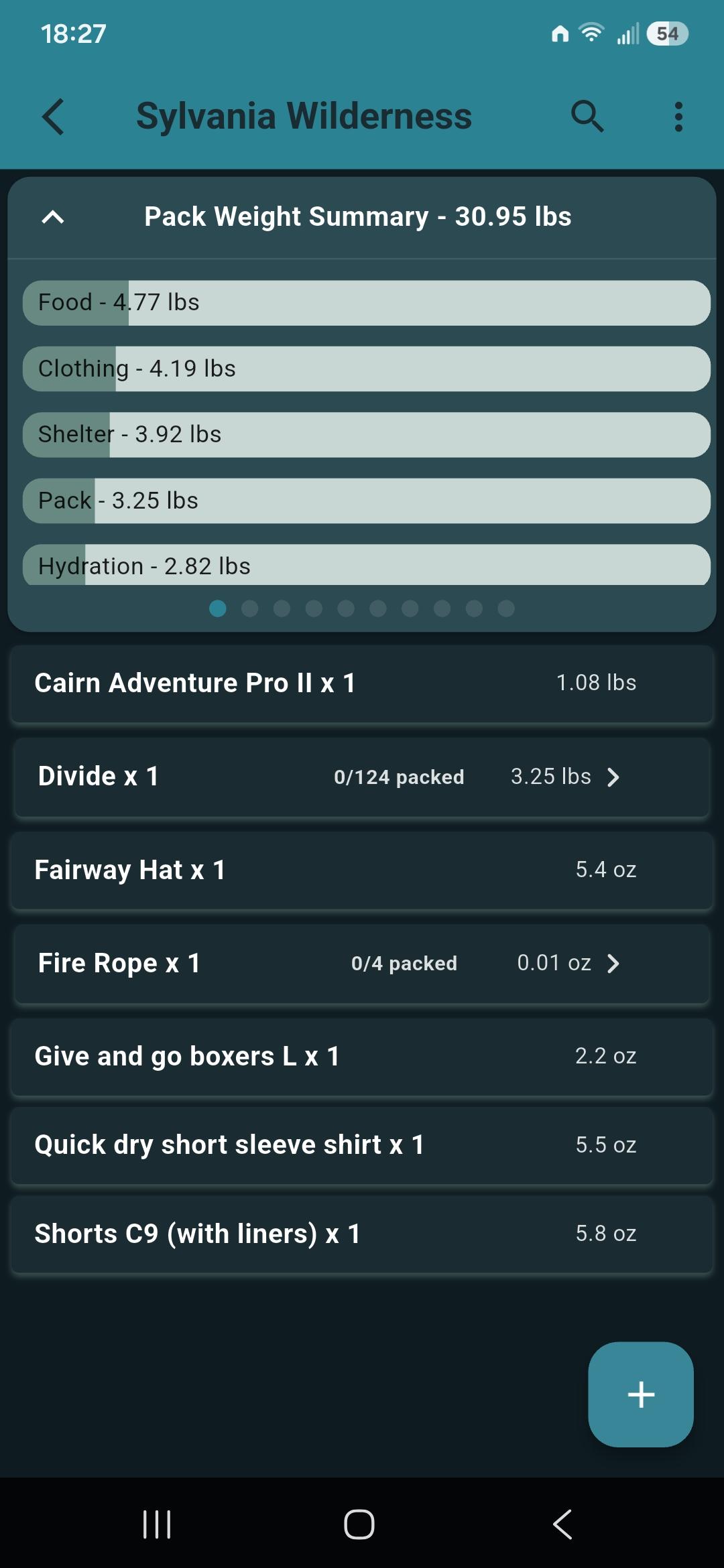
when you click on your “container”, mine is divide” you loose the summary cards.
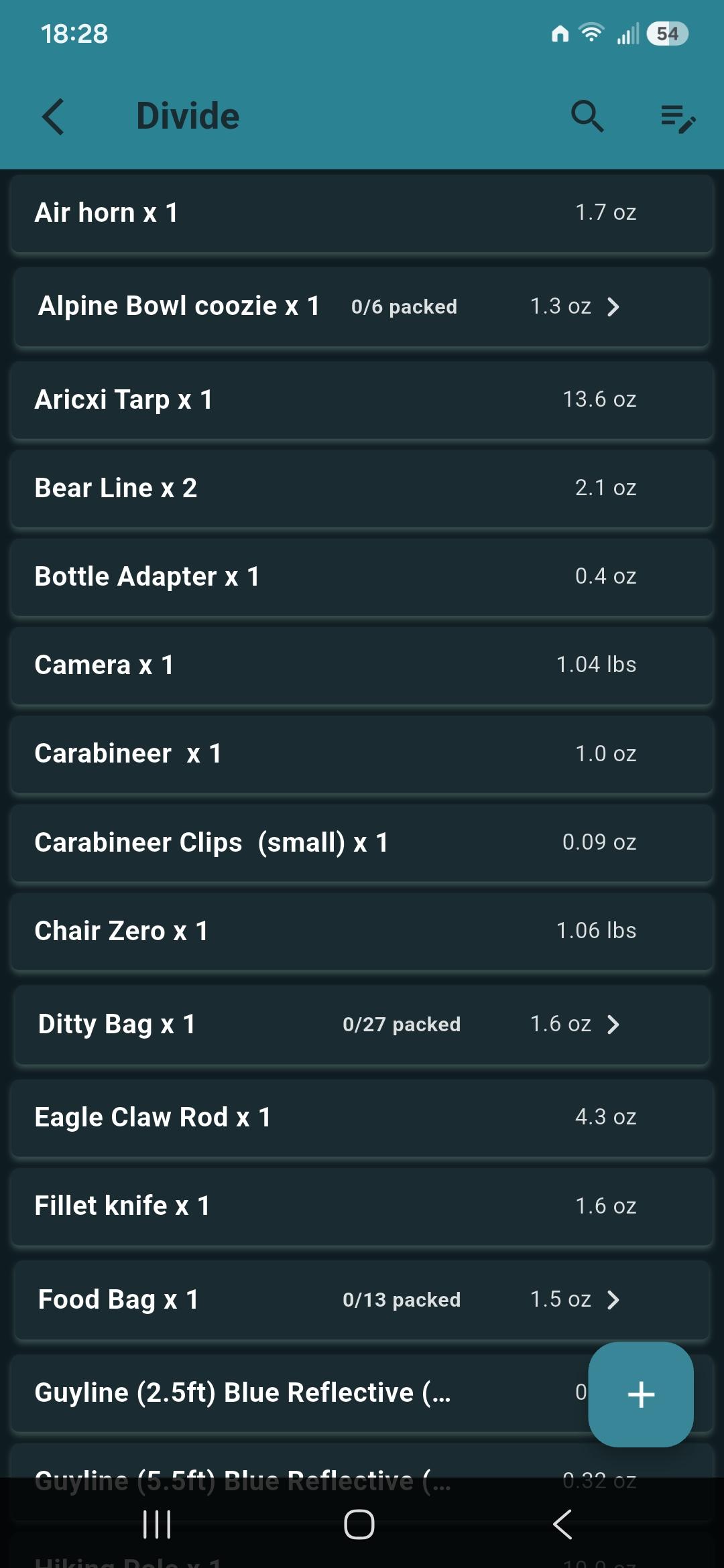
minor little things for you too look into :)
otherwise amazing job developing and improving the app!!!
one other small request….
when your in a container, have the ability to add things. the add button isn’t there, to be specific a sub container in the main container. say my main container is “divide” (see previous) but if i go into “ditty bag” I can’t add anything directly to ditty bag unless i’m in “divide” then move it to “ditty bag”

Sorry for the delay here my little one was a little under the weather last week.
For the plus button missing in a container… thats interesting. I have one for me. Does it happen in all your containers? Can you maybe tell me what all your settings are in the app. I was trying to replicate.
The summary card was something I kind of put on the back burner cause I needed more thought. I was torn with should the summary card show everything when you are in a container or just the things in that container. Thoughts?
Hey Mike,
sorry for the delay, never got an email saying you posted…
anyway i figured out the Add button issue….. if your list is long and you scroll down far enough for it to disappear off the screen (hide) and you have a container farther in the list then click on that container the add button never appear again but if the add button is showing it will show up in the containers or sub-containers….
.
good question on the summary card….
maybe have it show all your categories like it normally does and when you click on a category it shows everything in that category unless you have a sub-container in that category where it just shows that sub-container but if you click on that sub-container it shows what’s in that sub-container.
example:
category : clothing. I click on clothing it shows me everything in that category including any sub-containers like a sub-container called “clothing dry sack” and “on-body” and when I click on “clothing dry sack” it shows me what’s in that.
category: organization: i click on that at it shows me anything in organization category including sub-containers called “ditty bag”, “dry sack sleep” ect… and when i click on any of those sub-containers it shows me what’s in those.
thoughts?
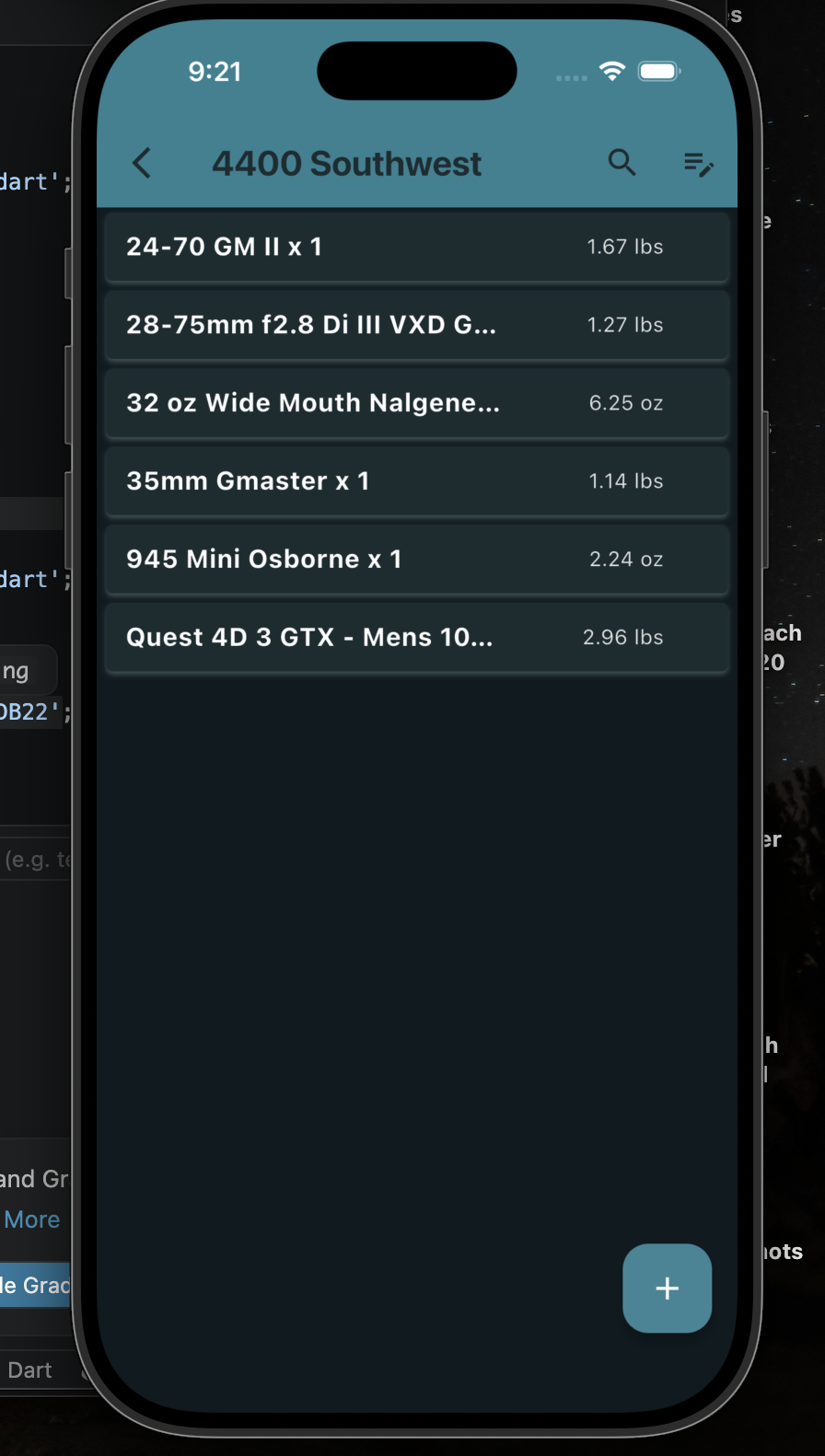
Big update just pushed! New redesign with liquid glass! Also not sure if I mentioned but there are folders “Storage Containers” you can use in the gear locker now to organize your gear more!
Enjoy and please let me know what you think of the redesign! Working on iPhone Duo optimizations next ;-)
mike,
Liking the new look, struggling to figure out how to make the storage containers work in the gear locker, can you help?
Josh of course. Could you explain what isnt working with them or where you are struggling?
hey mike,
found out the folders in gear locker are in the summary tabs. that’s what i was missing. i couldn’t find where they were when i created the folders
when your adding gear to your pack it would be sweet if you could see your folders you created in your gear locker so you could click on the folder and then select the gear from those folders.
i’ve been tossing this around in my head and keep debating on now that you have folders is it a good idea to remove the grouping by categories and replace it with the folders or keep both options?
i think for me personally i’d like to see just the folders in my pack and honestly in the gear locker it self instead of a list of items
i also saw that in your weight format you have lbs and lbs and oz, when i click lbs and oz i only see things in lbs for example 3.35lb which is the same as i’m seeing if i select just lbs
I like the idea of seeing the folders when packaing… I just need to think about the UI a bit.
As for folders vs categories. The folder idea literally came as a request by someone wanting to “Store” their digital gear the same way they store their physical gear so they know where to find it.
Like my sleeping bag is in my closet and my stove is in the garage. So I think there is a place for both “folders” and categories, but I can see how it can maybe be redundant or confusing to users. Maybe I need to add an explanation in the new FAQ section as well.
Yea I know the lbs and oz setting has confused you before. It shows lbs for anything over 1 pound and oz for anything under a pound right now.
yeah i like the folders and can definitely see a place for both, that’s why i said i keep going back and forth on it.
yeah, i remember that just went i saw a separate lbs only and then a lbs and oz i was hoping/thinking anything over a pound would show just lbs for the lbs setting and both lbs and oz for the other setting.
Become a member to post in the forums.
 New Gear with Aluula FabricsLighter, stronger, more abrasion-resistant, and highly water-resistant - explore ultralight backpacking gear made with ALUULA Graflyte fabrics. Engineered for exceptional strength, durability, and lightweight performance, ALUULA Graflyte helps reduce pack weight without sacrificing reliability, making it ideal for demanding backcountry adventures.
 © Beartooth Media Group Inc.
 Loading...