Topic

New Backpacking / Hiking Weight Calculator App

Viewing 17 posts - 251 through 267 (of 267 total)
Mike J BPL Member
PostedJun 2, 2025 at 5:59 pm

Josh,

That has actually been there for awhile, and is in the Pack view as well. It shouldn’t be to hard to add it as an option in a future release. I think its pretty standard practice though for FABs to disapear on scroll down and reapear on scroll up.

Josh J BPL Member
PostedJun 16, 2025 at 3:39 pm

Mike,

Love this new layout. Can this stay on when you’re in a specific pack that you’ve created as well?

Mike J BPL Member
PostedJun 19, 2025 at 5:20 pm

Josh,

Are you talking about the new glass bottom navigation bar? If so what would be the reason why you want that in the pack view? I was thinking of glassifying the floating action button in the packs but not sure the whole bottom navigation bar is necessary?

Josh J BPL Member
PostedJun 19, 2025 at 8:08 pm

Mike,

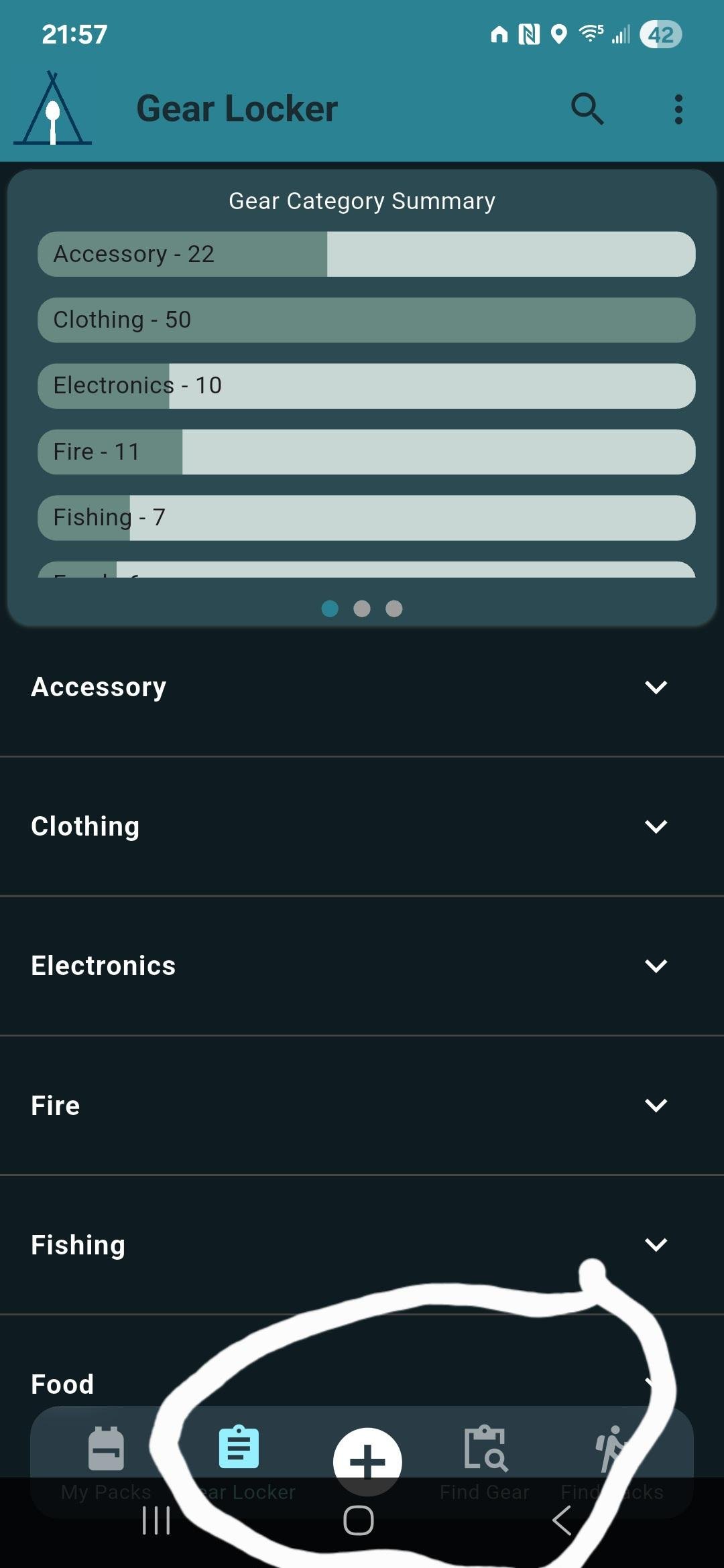
i like the bottom row of buttons showing the ads button and the rest (circled in picture), which shows up in the main pack list screen and the gear locker but goes away inside an individual pack.

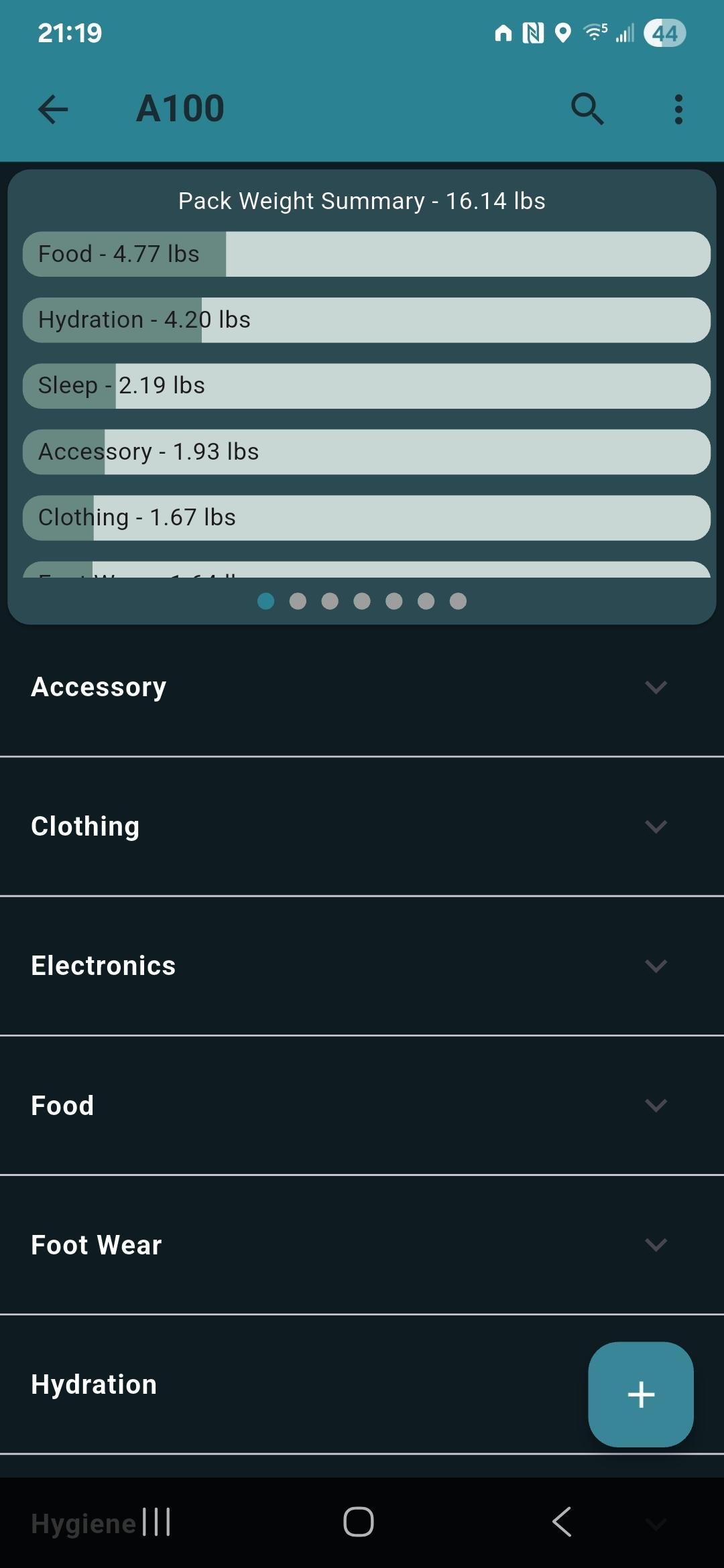
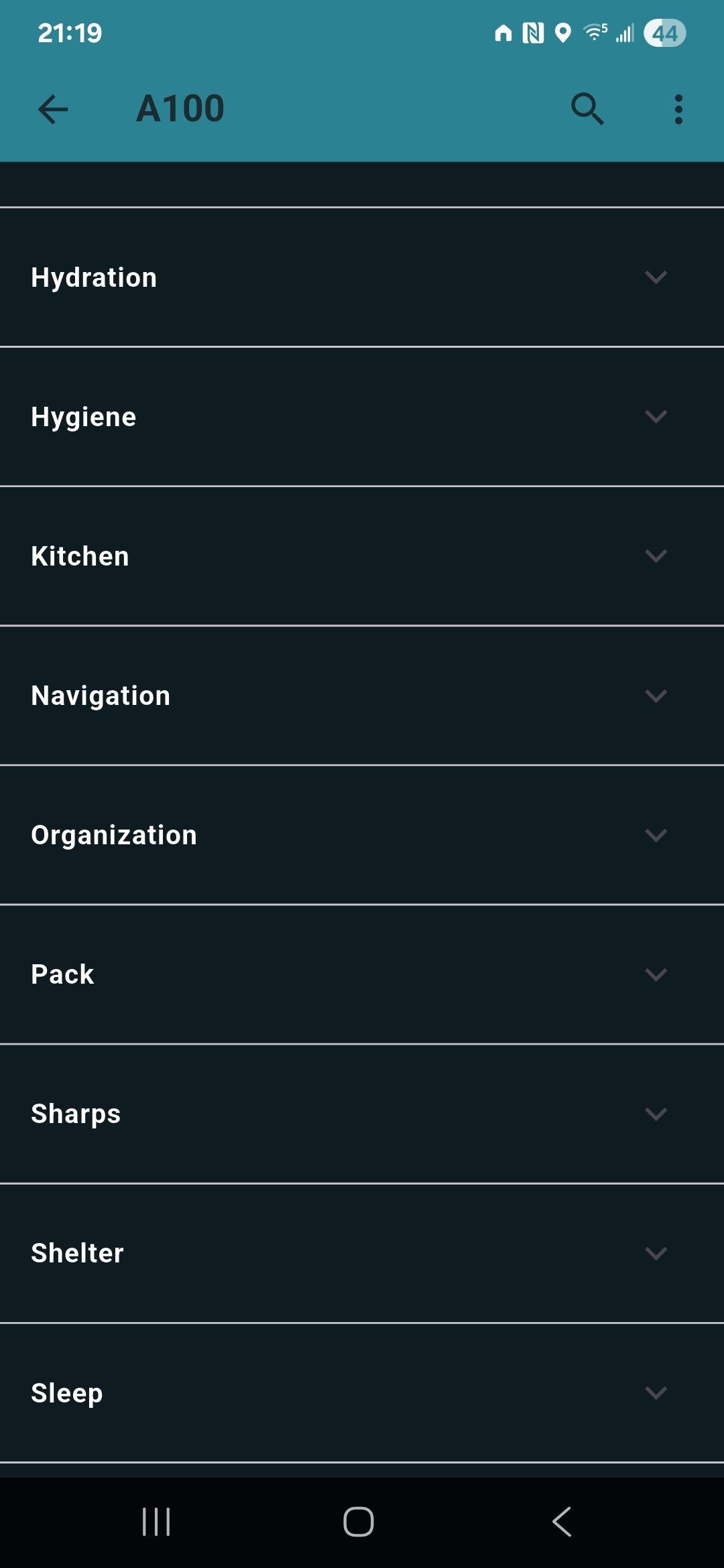
When inside an individual pack it just shows the ads button but when you scroll down to the end it goes away. I was just looking for the ads button or the button row to show all the time.

Mike J BPL Member
PostedJul 13, 2025 at 2:46 pm

Added a new feature to add locations to packs. You can now tag a pack with multiple locations. By adding locations to a pack it shows where all your adventures have been on your user profile. Check mine out here.

Josh J BPL Member
PostedJul 16, 2025 at 6:19 am

that’s pretty cool, now it would be really cool if it could use your current location instead of entering the place in :)

Mike J BPL Member
PostedJul 26, 2025 at 1:06 pm

Josh,

would it just take the gps coordinate of where you are at, then you add a location name? Or would it just take the nearest location name once it has your location?

Josh J BPL Member
PostedJul 26, 2025 at 1:22 pm

I would think GPS and name of nearest location with option of changing name if not accurate

Mike J BPL Member
PostedJul 26, 2025 at 3:45 pm

Josh,

I will put that on the todo list :-)

I am about to release the ability to add price/cost to gear items and get cost summaries. Hopefully be live early next week if not tonight :-)

Then I am moving so may cool down with updates until I am settled in my new apartment mid august.

Mike J BPL Member
PostedNov 19, 2025 at 7:16 am

Lots of updates since I last posted here! Hope you all enjoy!

  • AI pack shakedowns for pro users! Our free Pack recommendations still exists for all users but pro user can now take the added step of a more in depth AI Pack shakedown! Enjoy!
  • Add price information for your gear! You may not want to see the total cost or your gear locker but you can if you want!
  • Multi-select in gear locker. You can now select multiple items at once if you need to delete a handful of items at the same time
  • Small bug in sub packs is fixed that prevented you from adding the same item in multiple sub packs. Now if you have the same items in different sub packs and add those sub packs to a pack it will increment an items total count.
Josh J BPL Member
PostedJan 28, 2026 at 11:21 am

Hey Mike,

Hope all is well. I was thinking about your grouping by category but can we take it one step further and have the option of grouping by sub packs? Like I have a sub pack called ditty bag, it would be nice to see my “ditty bag” so in my pack and then drop down to see what’s in it, instead of everything being broken out in individual categories

Mike J BPL Member
PostedJan 29, 2026 at 5:07 pm

Like I have a sub pack called ditty bag, it would be nice to see my “ditty bag” so in my pack and then drop down to see what’s in it, instead of everything being broken out in individual categories

I think I have exactly what you want on the roadmap and even have a working test of it. I recently had a few ideas I wanted to test out but not break or disrupt Dont Forget The Spoon. So I spun off a general travel packing app as a bit of a playground for some theories….. I really like them so much and plan to bring a handful of then to DFTS app.

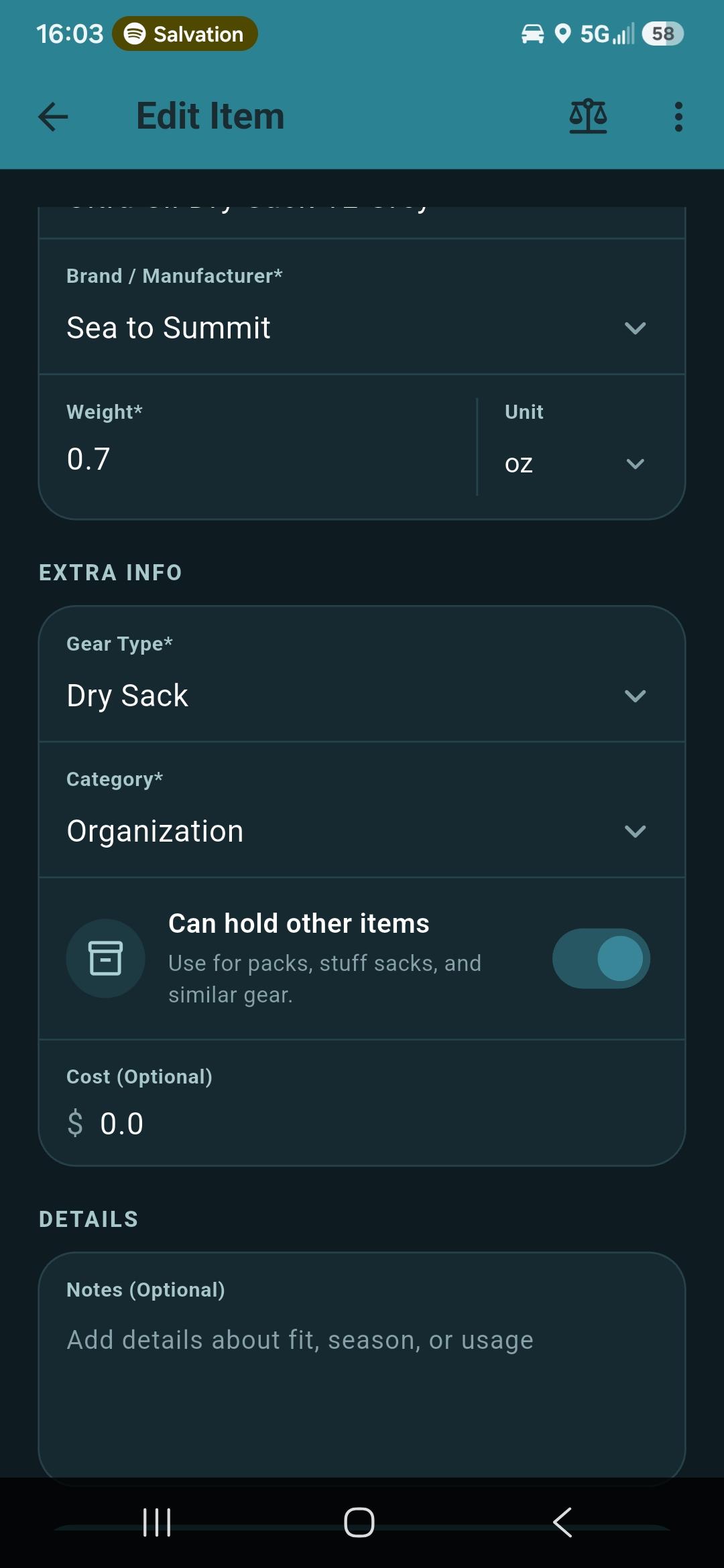
Basically in my General Travel Packing app Luggrly, I tested out a concept of marking items as “Containers”.  An item that’s a container you can tap and essentially go inside it to pack other items in there. I think this is kind of similar to what you are asking. You can test it out in the free version of luggrly if you want ;-)

The other big idea I want to bring over into DFTS is Offline mode. I have an offline 1st synching system I have been testing in my Luggrly app which feels super fast! And I plan on bringing that to Dont Forget The Spoon as well :-)


Josh J BPL Member
PostedMar 13, 2026 at 5:54 am

hey mike,

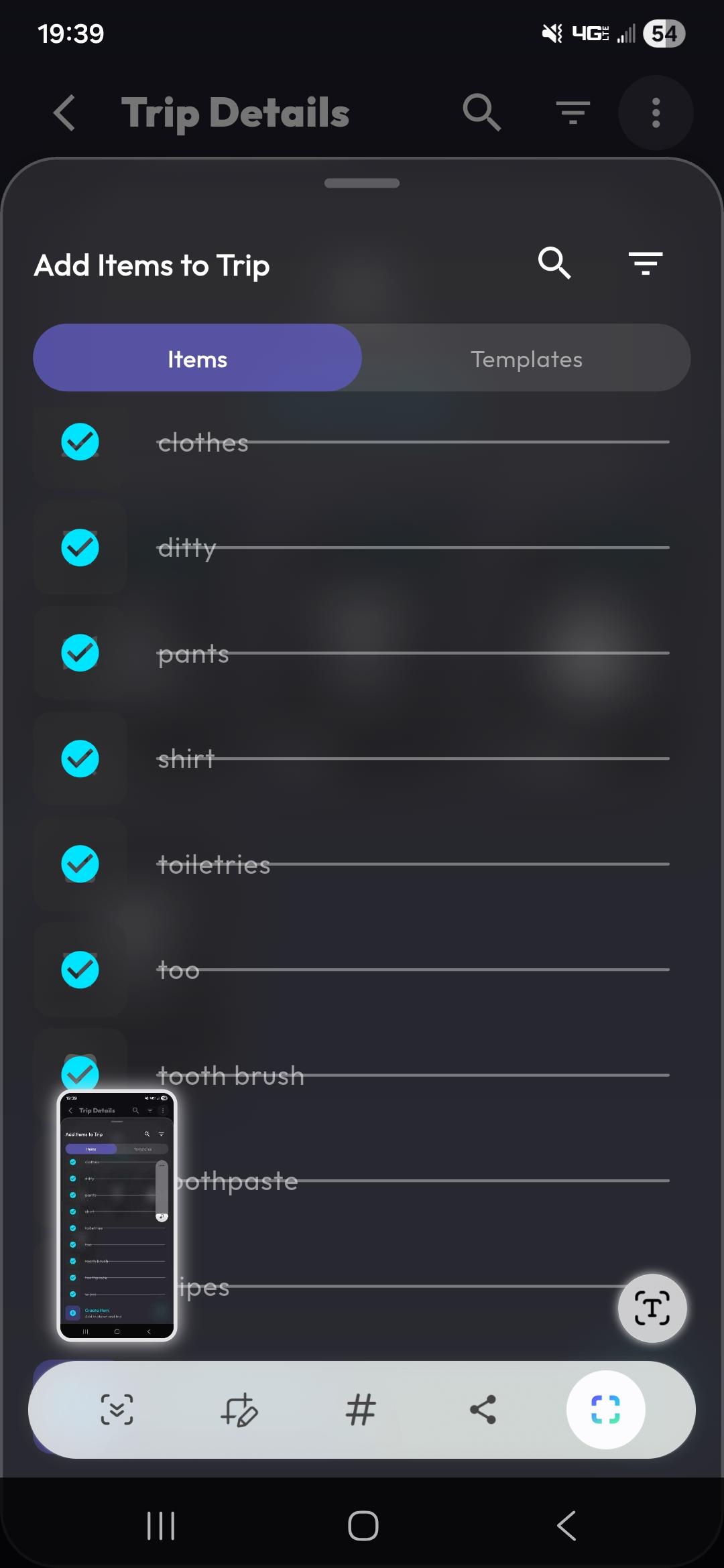
i like the containers you’ve developed in luggrly and how it functions. it took me a bit to figure out how it worked. the things i’m not a fan of is requiring an icon or image before you save, having it as optional is fine. when you adding to a “bag” if something is checked off you can’t un-check it and add it, you have to got to the individual item and move it, which is clunky and doesn’t work if you have multiple of the same item in different “bags” or need to move it from one “bag” to another “bag”

Mike J BPL Member
PostedMar 14, 2026 at 2:31 pm

Josh,

I see how selecting an image or icon can slow down work flows when adding lots of items. I am adding a generic icon right now to speed that up.

Not sure I am understanding your full issue here:

when you adding to a “bag” if something is checked off you can’t un-check it and add it, you have to got to the individual item and move it, which is clunky and doesn’t work if you have multiple of the same item in different “bags” or need to move it from one “bag” to another “bag”

You should be able to un-check the same way you checked the item off with a double tap of the item?


Mike J BPL Member
PostedMar 14, 2026 at 9:43 pm

Josh,

Makes much more sense now! I am fixing this as we speak so you can remove items form trips there. Additionally adding a default icon so you don’t have to select one when you first add items. Building the Android an iOS updates now.

Also working on some Don’t Forget the Spoon updates as well :-)

Josh J BPL Member
PostedMar 15, 2026 at 6:45 am

Mike, much better and easier to use now. I think the bags would be a great addition to don’t forget the spoon

For luggrly as your items grow it would be nice to be able to group them similar to spoon by like clothes or toiletries, or fire making e t


Viewing 17 posts - 251 through 267 (of 267 total)
Loading...