


Any post I make has the “edit” button greyed out if I attempt to edit it within a short period of time. Why?
Topic
Become a member to post in the forums.
.
Any post I make has the “edit” button greyed out if I attempt to edit it within a short period of time. Why?
This is what my screen looks like:

It still works, just misleading.
.

Not sure how I feel about that.. I think not being able to edit the first post in a thread you started is annoying. Particularly when selling stuff as it is now not possible to remove or make note of things that have sold.
It is not an issue after a week. The edit button is greyed out immediately after a post.
Ok – based on the informative posts, I seen that I can edit by clicking the button even though it is greyed out. I never received a response from the BPL site on this issue but, as usual the forum members responded. THANK YOU!
.
Ken,
Hovering turns the text from grey to blue.
.

Edit button does not exist at all for me. Yes, I mean on my own posts and logged in. I even hover my cursor over where the edit button should be, just to see if it reacts to a link that isn’t visible, but it doesn’t.
The ability to edit your post has a time limit of seven days. After that there will be no edit button visible on your own post. Been told that it is some quirk with the forum software package.
Thanks. That kinda flies in the face of the preference for Gear Swap posters to edit thread title and post to indicate when an item has sold, (if it takes more than 7 days to sell).
So on day seven edit your post and re-list. Free bump.
Become a member to post in the forums.
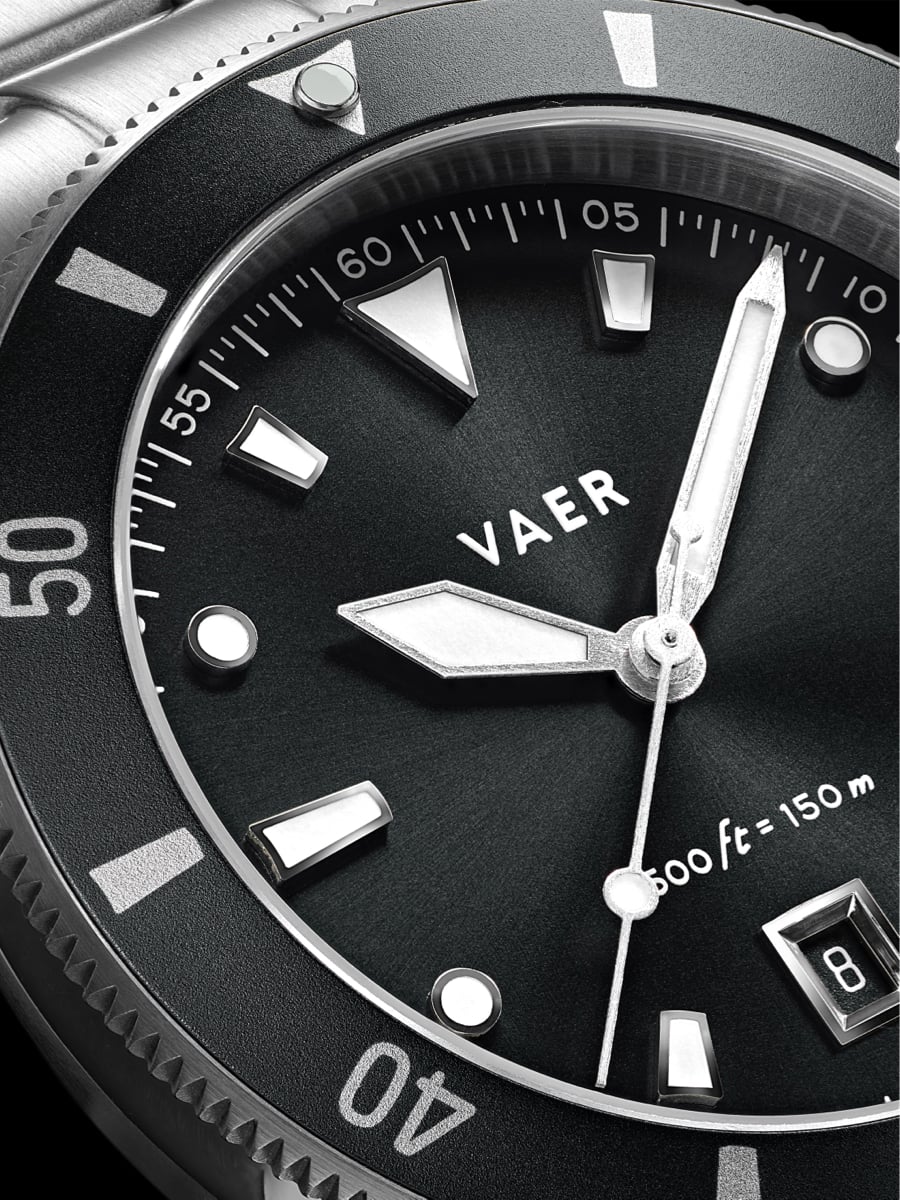 DS2 Meridian: Vintage Dive Style, Everyday ReliabilityInspired by the streamlined "skin diver" watches of the 1960s, the DS2 Meridian combines vintage proportions with the durability of a modern everyday tool watch. A reliable Japanese Miyota quartz movement delivers set-it-and-forget-it accuracy, while 150 meters of water resistance, a locking screwdown crown, sapphire crystal, and strong Super-LumiNova make it ocean-ready. Available in multiple case sizes and starting under $250, it's an approachable way to get classic dive-watch styling without sacrificing everyday practicality.
 © Beartooth Media Group Inc.
 Loading...