


Not sure how to do this correctly, so I am gonna try it here.
Topic
Become a member to post in the forums.
Not sure how to do this correctly, so I am gonna try it here.
Okay, so what confuses me is I successfully changed the name of the post, but the thread still reads what was originally posted.
How do people change the thread name to reflect an item being sold?
You cannot change the original title of a thread. Best practice is to edit the body of your first post and just add in SOLD. This is discussed here.
POLICIES
For Sale postings may not include references (especially URLs) to any external listings. We'll cheerfully remove such cross-posting information.
Begin your post with FS (For Sale) or WTB (Want To Buy) for clarity.
Once your item has sold, please edit your first post to reflect that fact.
Posting a price reduction on an unsold item is perfectly OK, as is posting that some items have been sold. However, 'bumping' postings so they are back at the head of the queue is severely frowned upon and may result in the removal of the whole thread. The same applies to WTB posting.
I usually edit out the whole post and replace with SOLD. This bothers some that feel entitled to know what you were asking for something and what it sold for. That's your business and delete or not as you like. No hard and fast rules for that.
That last bit about bumping is not closely moderated. Bumping goes on all the time. I would suggest some patience in doing so. Give it a few days. Some bump like every 12 hours. That is annoying.
Become a member to post in the forums.
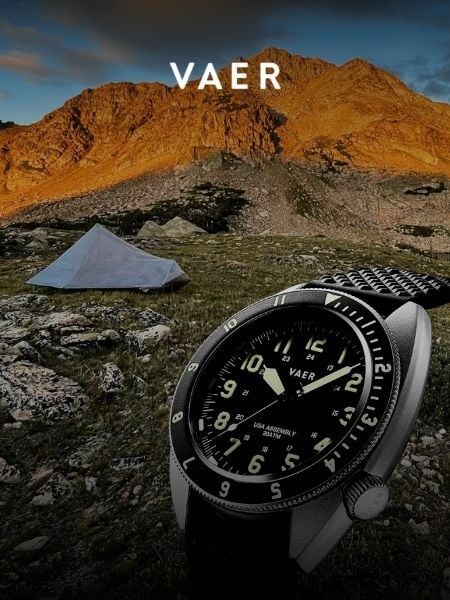 Vaer C4 Tactical Field SolarDurable timepiece for wilderness users - 20ATM (200m) water resistance, 120-click bezel, 316L SS casing, sapphire glass, solar-powered, Epson VS-42 Japanese movement, C3 Lume, USA assembly.
 © Beartooth Media Group Inc.
 Loading...