


I am trying to change my avatar but it isn't working. I went into Change My Profile…then chose a file for uploading a new avatar…save. Same old picture. I uploaded from iPhoto. Do I need to make the picture smaller?
Topic
Become a member to post in the forums.
I am trying to change my avatar but it isn't working. I went into Change My Profile…then chose a file for uploading a new avatar…save. Same old picture. I uploaded from iPhoto. Do I need to make the picture smaller?
Clear your cache on your computer.
I tried that and the softball shattered the screen. Now what do I do?
Totally lost me Nick.
Thanks, Ken. I will give it a go….
"Totally lost me Nick"
You said to clear the catch. So I threw a softball at my wife, it missed and hit the computer screen.
Clean your glasses Nick. I said cache

Sometimes it just doesn't take effect right away. I'd say wait until you log back in tomorrow and see if the pic has changed.

Donna,
The solution in Ken's link (F5) works the best for me. Your avatar appears to be a lake with mountains in the background. If there's a more recent avatar than that, then what Doug said.
I see the new one too Donna.
yep…new avatar. I just waited awhile. Nothing moves quickly on this website. It's Lake Francis in Glacier.
: )

That's weird, I see grass in the foreground, a row of trees in the clouds at the rear…
That is weird. While there is that, there is also water and mountains…
I think I'm seeing your old avatar but if I followed the instructions above I would see your new avatar : )
I'm just trying to be a comedian
Moderators, for the love of God please add sarcasm font.
"I'm just trying to be a comedian"
Try to be funny first, THEN try to be a comedian……
I thought I was being funny
"I thought I was being funny"
Hmmmmm. This is going to be harder than I thought……
where's the sarcasm font?
i've used a disclaimer.

Hope that helps, Einstein.
(Sweet! He called me Einstein!)
No, he called me Einstein
great
Ken continues to prove the age-old promise:
On the Internet, nobody knows that you are a dog.
–B.G.–
"On the Internet, nobody knows that you are a dog."
They still run in packs. Just virtually.
Become a member to post in the forums.
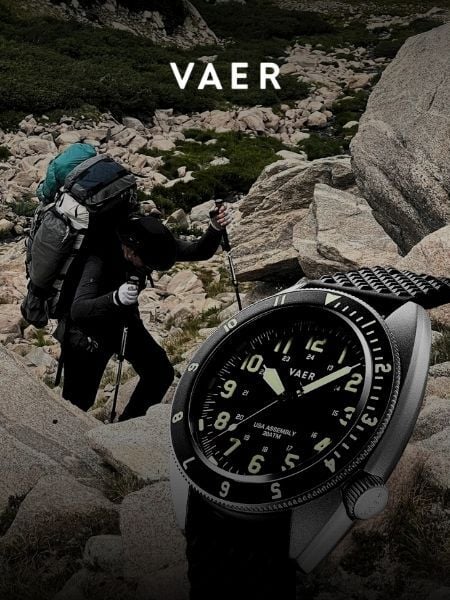 Vaer C4 Tactical Field SolarDurable timepiece for wilderness users - 20ATM (200m) water resistance, 120-click bezel, 316L SS casing, sapphire glass, solar-powered, Epson VS-42 Japanese movement, C3 Lume, USA assembly.
 © Beartooth Media Group Inc.
 Loading...