


- Item 1
- Item 2
- Item 3
- Item 1
- Item 2
- Item 3
Topic
Become a member to post in the forums.
I've used a dash as a bullet before…How did you get your pretty bullets to appear and, more importantly, will a wrapped line following the bullet automatically indent to leave the bullet standing alone on the left?
If so you have to share – I think a lot of people here could make their points much more clear by using bullets in lieu of paragraphs…
It will wrap. It’s html.
Trying to show html here is frustrating. Use this pastebin link instead to see and download the html.
Thanks for the tip…
Here's my attempt:
Some of my favorite foods are from Packit Gourmet, including:
You can also create a bulleted list directly by wrapping the text in HTML code.
The BackpackingLight forum software provides the rest of the HTML code (and some extra spacing).
Example:
<ul >
<li >Point number one.</li >
<li >Point number two.</li >
<li >Point number three.</li >
<li >Point number four.</li >
</ul >
Gives you:
You can also do numbered lists by using the ordered list tags.
Example:
<ol >
<li >Point number one. </li >
<li >Point number two.</li >
<li >Point number three.</li >
<li >Point number four.</li >
</ol >
Gives you:
Hope this helps FWIW.
Am I missing something?
1. I can just type like this
2. It seems faster than coding
3. It takes as much forethought as html
4. So what is the advantage?
Am I missing something?
Ken,
At the end of the day I think it boils down to personal style preferences. I use both approaches depending on the situation but I do find value in coding HTML when I want the result to look like this:
Instead of this:
1. Some folks (like the guy I see in the mirror each morning), are known to be long winded and run on and on with needlessly long complex explanations of simple concepts just because we can't find a concise and elegant way to say the silly thing that has just come to our minds, perhaps we same folks are also prone to write long run-on sentences.
But in the end, it's a personal preference (unless one is writing for an edited journal).
OK
Become a member to post in the forums.
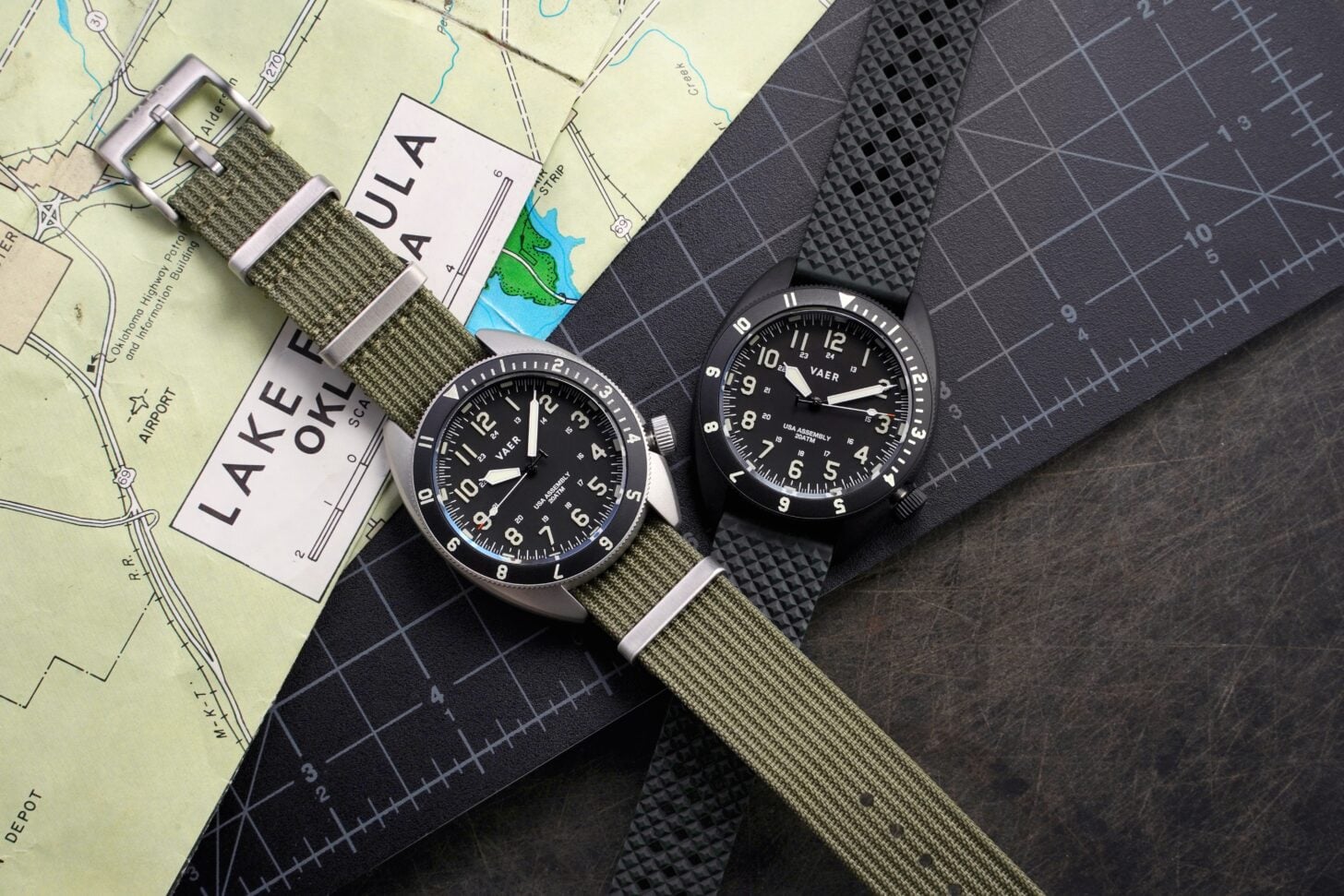 Analog by Design: The Vaer C4 Tactical Field SolarThe best gear works the moment you reach for it. The VAER C4 Tactical Field Solar (41.5mm) combines rugged functionality with everyday practicality, featuring a matte dial with bold stencil numerals, raised 3D Super-LumiNova markers, and a 12-hour bezel for timing a climb or tracking a second time zone. Powered by light, it delivers up to six months of operation from just six hours of exposure, with no routine battery changes required. A sapphire crystal, 200 meters of water resistance, USA assembly, and a two-year waterproof warranty make it a dependable companion for adventures on and off the trail.
 © Beartooth Media Group Inc.
 Loading...