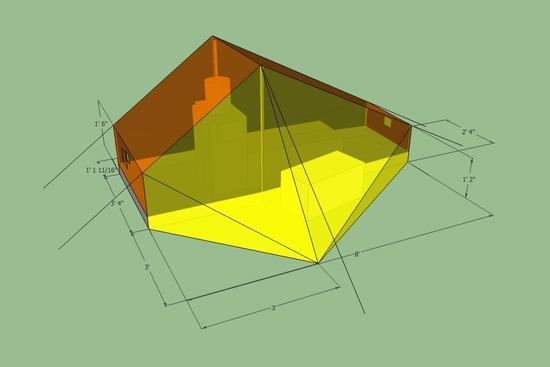
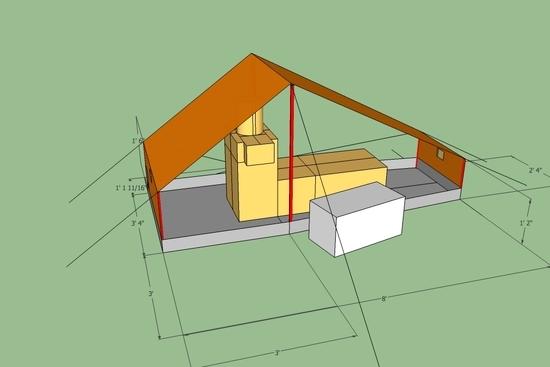
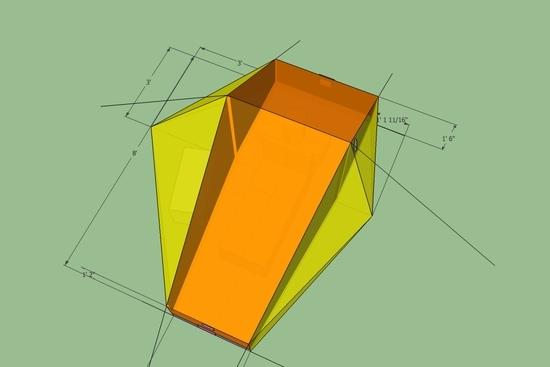
An easy way to cope with this is to put the measurements on another 'layer', and turn that layer off when you want to get a clear view of the design (Window/Layers).
I also create components for the main elements of the design; e.g. fly, inner, poles. these won't then get auto-merged when you place then next to each other, and you can hide individal components to reveal the underlying design.
For flat panel designs, based on triangular panels, it's fairly easy to plan the flat layout. Use the measurement tool to find the lengths of the three sides. Draw a line as long as one side. Draw a circle centred on each end, of radius as each of the other two sides. Then draw lines from the line ends to the intersection of the circles. Delete the circular sections. Ta-da!
(My tent designs started as AWK scripts generating PostScript (which plotted the flattened panels), then became a spreadsheet to use Solver, and then migrated to SU. The AWK scripts now use coordinates taken from the spreadsheet, as does SU. I'll have to play with the flattery plugin recommended by David.)
As poles end struts, I found some 'telescopic fishing rods' in my local pound (dollar) store, and the largest element of those is light and strong, and tubular. And cheap, of course…
I wondered at first whether the internal features were meant to be a stove of some kind. And then I realised it was meant to be a human body model…
The guying at the corners will probably be better if it points out from the centre of the tent, so it will apply tension to both edges at a corner point.