


When posting a trip report, at the end of the form under GPS Map there is a place you can link to a “Gaia route ID.” What is this? is it just the “share” URL? E.g., Afognak KNWR Hike/Packraft Loop
Topic
Become a member to post in the forums.
.
When posting a trip report, at the end of the form under GPS Map there is a place you can link to a “Gaia route ID.” What is this? is it just the “share” URL? E.g., Afognak KNWR Hike/Packraft Loop
Anyone? Bueller?

Philip – Here is the answer: https://support.backpackinglight.com/article/91-how-to-find-the-gaia-route-id-for-member-trip-reports
Thanks for making the video, but it frankly is not that helpful. The critical steps in the latter part of the process were not recorded in the screen cast. I was able to follow the verbal instructions after a bit of poking around.
So, yes, click on the route/track to be shared in the main map window, and then select “open details page” in the side drawer window. A new browser tab opens and in the upper right there are a number of share options, including a link icon. Click that to open a pop-up window and select the part of the URL that is after the slash to the right of ‘public’. That is the Gaia route ID.

Sadly the resulting route on the map on the trip report page is a pile of densely stacked route points that look kinda lame. Maybe you can clean that up somehow (show only the route and not the waypoints)?

I tried changing the default map to something else and I don’t seem to have any control over even that.
Become a member to post in the forums.
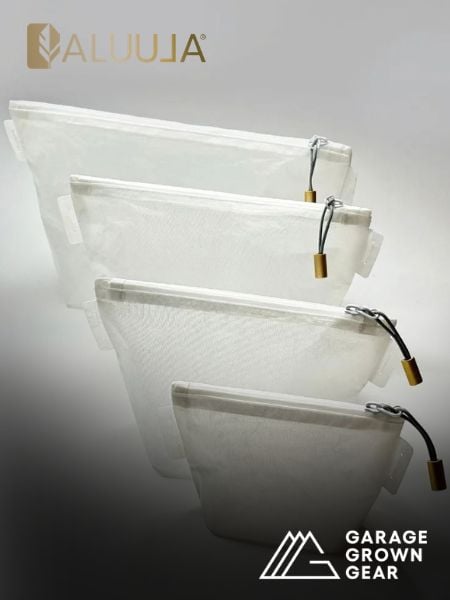 New Gear with Aluula FabricsLighter, stronger, more abrasion-resistant, and highly water-resistant - explore ultralight backpacking gear made with ALUULA Graflyte fabrics. Engineered for exceptional strength, durability, and lightweight performance, ALUULA Graflyte helps reduce pack weight without sacrificing reliability, making it ideal for demanding backcountry adventures.
 © Beartooth Media Group Inc.
 Loading...