Topic

Rendering bug in Route tab graphs

ClosedBug Report
Viewing 2 posts - 1 through 2 (of 2 total)
Greg H BPL Member
PostedApr 12, 2026 at 4:04 pm

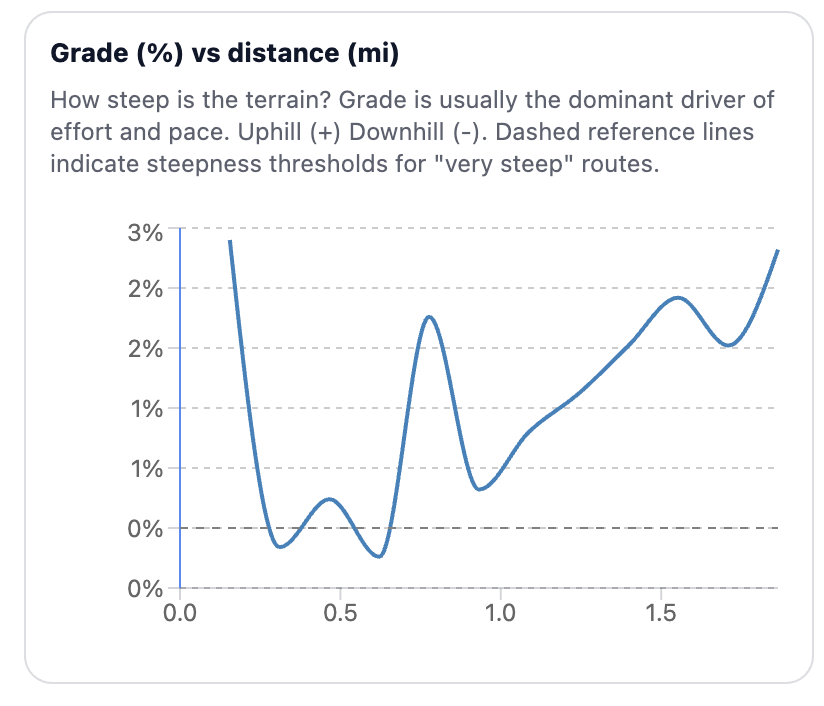
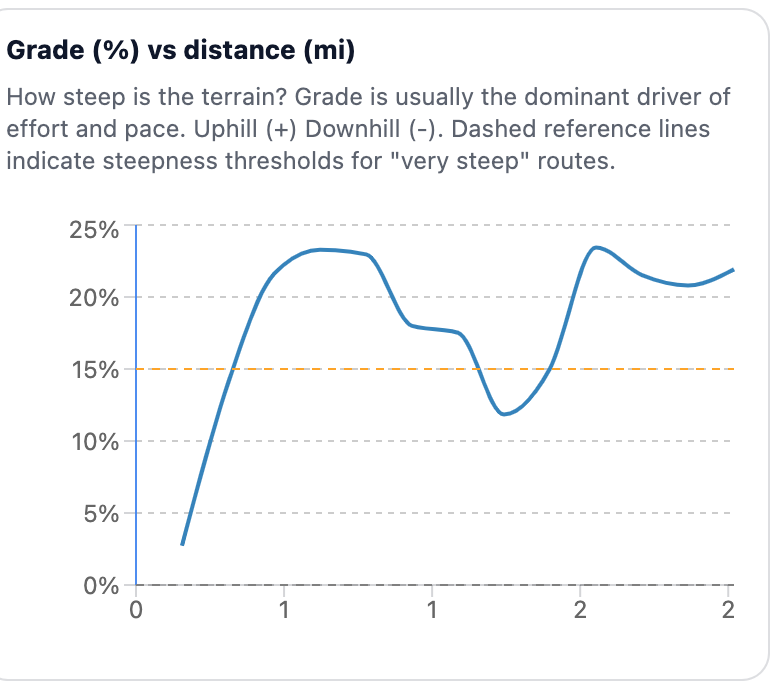
I loaded a short 2 mile climb I did today to compare “measured” energy expenditure with TRIPs estimates. In the route analysis graphs, the x axis labels are 1,1,2,2. I have loaded a number of longer gpx routes and the mileage renders correctly along the axis. Gotta find those edge cases, I guess…
PostedApr 12, 2026 at 5:46 pm

Good catch! This is fixed now. We updated the planner’s chart axis formatting so that decimal precision adjusts to the displayed value range, preventing duplicate or misleading labels on shorter routes.

Viewing 2 posts - 1 through 2 (of 2 total)
Loading...