*** This issue affects beta testers with current access to TRIPS ***
In preparation for the public launch of TRIPS, we are activating the rest of our security hardening protocols on the app today.
That means if you are currently logged in and working on a TRIPS session, you may see the “Loading…” message stay on the screen without redirecting you to your session:
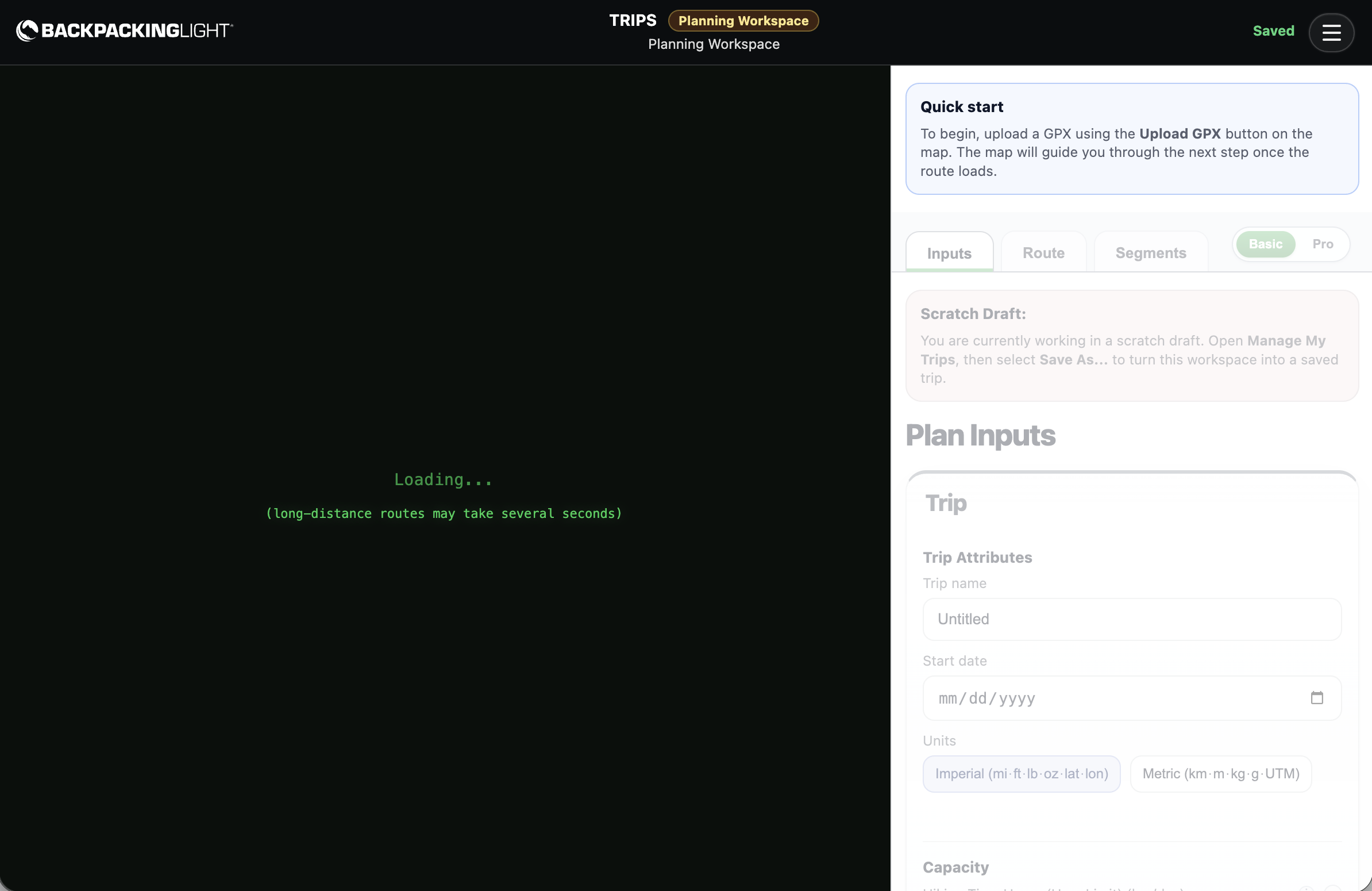
If that happens, it just means you need to reset your secure login token by doing this:
- Close the browser tab where TRIPS is loaded.
- Logout of your Backpacking Light account.
- Revisit the TRIPS app URL, login again.
you should be good to go then.
Second Issue:
If you visit the app, and see a white screen, then we’re in the middle of replacing one of the security protocols and the app is temporarily unavailable.
This behavior will be on and off like this for the next few hours.