When a trip is loaded in the Trip Manager (“Manage My Trips”) modal, i.e., the “Load” button is pressed next to a trip in the Trips list, the default (startup) screen shows with no route:
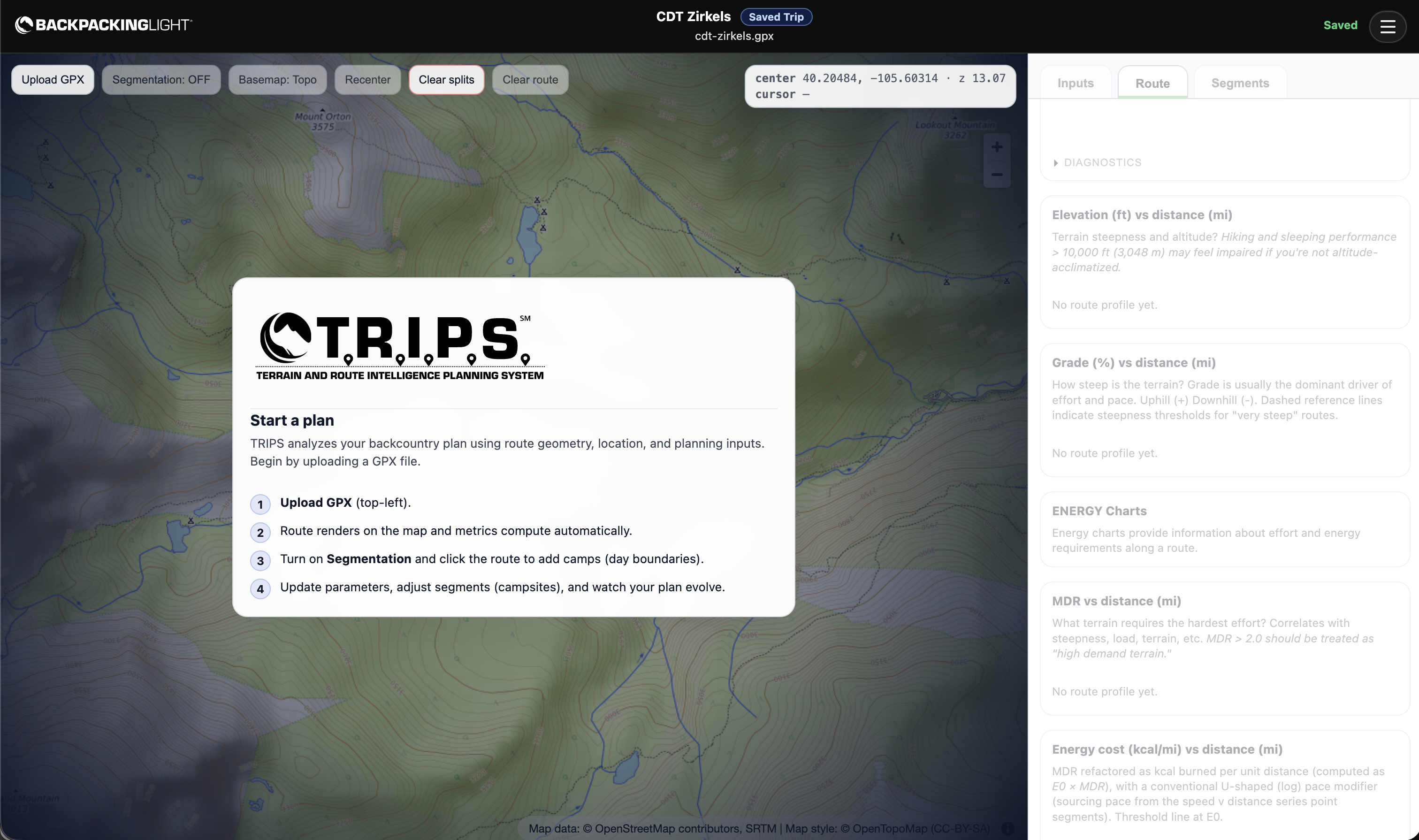
The trip title and gpx filename – they’re there – but your route won’t show on the map.
To resolve: refresh your browser window, then the route will show up:
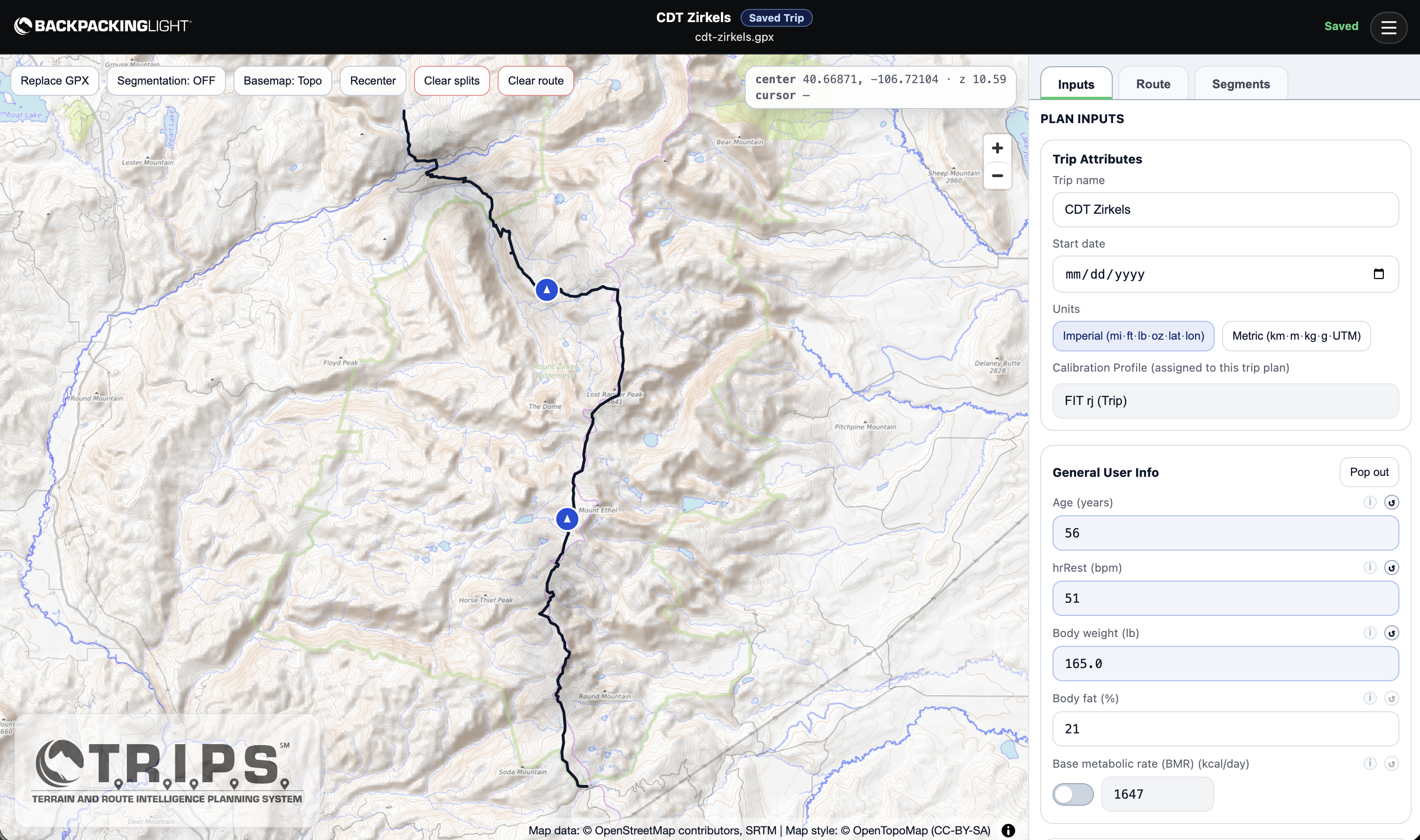
This is a known bug – you should NOT have to refresh your screen to see your route show up. We are aware of this issue and are working on it.