Topic

Garmin's "Change Password" Glitch

Viewing 3 posts - 1 through 3 (of 3 total)
PostedJul 23, 2018 at 4:08 pm

Each time I returned to my Garmin “home” page for my SE I was presented with a “change password” page. (I don’t know about other systems.)

One Garmin/Delorme CS rep stated there is a glitch in the system that randomly takes you to the “Change Password” page and this can happen at any time as you move through your tabs monitoring, updating, or managing your data/information. It will also happen if you did not logout after a prior session then return to your “home” page. (My scenario.)

A second CS rep said it is related to cookies and cache, which when cleared will resolve the problem.

My work-around is to Log Out, then Login again. And to Log Out after a session versus “closing” the tab.
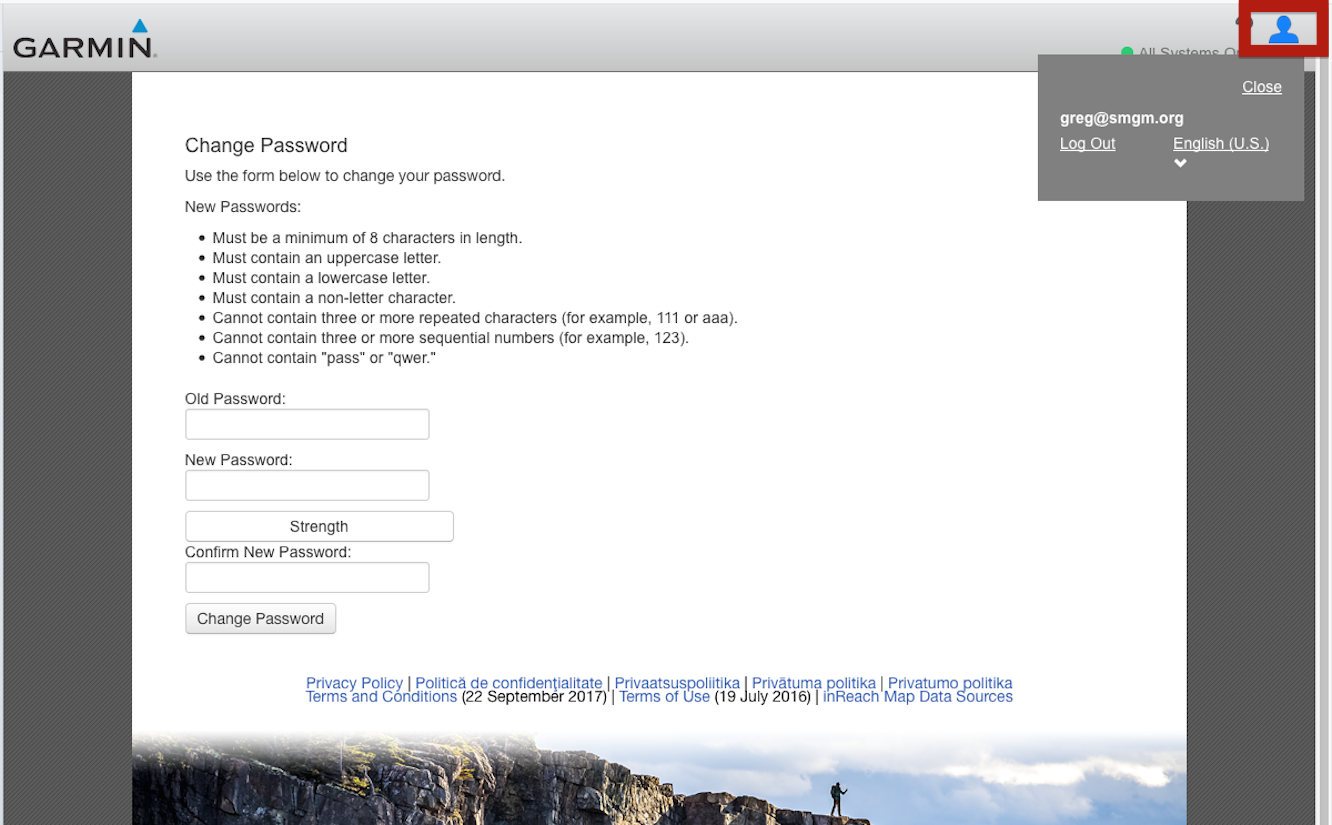
You do not need to change your password.


 

Valerie E BPL Member
PostedJul 23, 2018 at 5:33 pm

Greg, they have SO many glitches in their I.T., it’s almost hard to believe.  I’m *hoping* that they spent all their money making the actual devices work well, and had nothing left over for web development…

It took me over two weeks, and five (5) phone calls to Garmin’s tech support JUST to get my InReach Mini activated.  Some glitch in their computer system prevents some people from registering their devices — and it gives all kinds of different errors each time you try, but you get stuck in a loop.

On my fifth try, I got a guy with an I.T. background, who had seen this problem before, and FINALLY got my InReach set up.

The quality of techs I spoke to varied widely — the woman I spoke to first basically told me to clear my cache, and everything would be ok, and then hung up.  Great. THAT didn’t work.  The second guy said he would escalate to the next level, and that I would hear back in a day or so.  Nope. Never happened.  The third and fourth guys tried various things, and then said they were escalating it — but of course I never heard back, so thankfully, I got the “smart” guy on my fifth try.  Sigh.

PostedJul 23, 2018 at 7:38 pm

Agreed –

Once a device is up and running, it’s good. (Until you have to sync.)

But when you need help it is usually not so good. The wide range of support quality makes the effort frustrating and time consuming.

Viewing 3 posts - 1 through 3 (of 3 total)
Loading...