


Is there a way to find my own trip reports or posts in general? I clicked on “My content” but it gives an error message.
Topic
Become a member to post in the forums.
 .
.
Is there a way to find my own trip reports or posts in general? I clicked on “My content” but it gives an error message.
Apologies, I was able to answer my own question. Go to Profile and click on Forums. That lists the threads that I started.

You can select forums you’ve created or forums you’ve posted to
You can select forums you’ve created or forums you’ve posted to
Thanks, Jerry. For some reason my intuition told me it would be under My Content. But you’re right, I needed to select Forums, within My Profile.

I was reading “content” wrong and thought you had a really good hike.
I was reading “content” wrong and thought you had a really good hike.
Sorry, that must have been a let-down. ;-)

Is there a way to find my own trip reports or posts in general? I clicked on “My content” but it gives an error message.
I am happy to report that we have resolved this issue, Dan :)
See, this is when we need a “like” button.

Except that even today you can still see only the first page of your started threads or replies. Trying any other page just reloads the same 25 results.
Michael, it’s a pernicious bug that keeps reemerging. We are sorry for the inconvenience and frustration.
It’s working! You can see posts and replies past the first page of results in profiles. Thank you for your patience. This one was tough to track down.
Hi Matthew: I have not been able to use that feature to find my old articles for quite a while. Now they are all listed! Thank you.
Become a member to post in the forums.
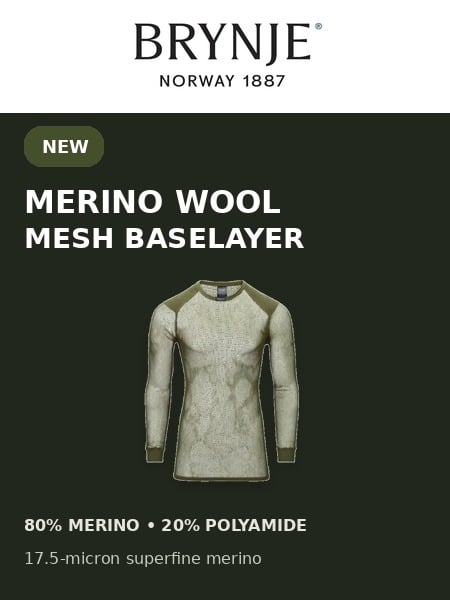 Tactical Wool Thermo ShirtSuperfine merino wool-blend mesh baselayer with a slim unisex fit and densely knitted shoulder panels for pack-carrying comfort. Weighs 4.9oz | 140g
 © Beartooth Media Group Inc.
 Loading...