


Is it possible to edit the subject line of a post?
Topic
Become a member to post in the forums.
Is it possible to edit the subject line of a post?
Richard,
Never had a problem just so long as I was logged on under my user ID and password.
Notice the subject line of my reply. ;-)
Party On,
Newton
Thanks. That's what I've been doing, but it's not working for me. At least now I know its poossible. Does it matter if the post is in Gear Swap?
Richard, you cannot edit your original thread subject, only single post subjects.
This is a post (what I have written). A thread is this whole conversation.
I can edit where it says "Re: No luck", but I / you cannot edit where it says "Can't Edit Subject Line?".

I don't know. I started a thread in gear swap, titled "FS: Integral Designs Hot Socks – M". I just went back and edited it. It now reads, as far as I can tell, "FS: Integral Designs Hot Socks – Medium"
FWIW
Richard,
Like Idester said.
If you are editing your original thread post under edit, after login, it should work.
The key is to be editing in the "windows" of your original post and not the text above.
And you can edit the subject line in single thread replies as you care to.
Hope this helps.
Party On,
Newton
Doug,
Your thread still has a “M” in the thread title/subject, but “Medium” in your first post title/subject
I see what you're saying. I've never really paid attention to that breadcrumb line!
Are administrators able to do this?
I stuffed up a company name (Zpacks rather than Zebralight) in the gear review section which is pretty bad and would like to either take it down or change the name.
Hi Jeremy
Best to delete the posting and do it again.
Cheers
Also, if you need the help of a moderator it will save us MUCH time if you provide a link to the particular forum or review you're hoping to have changed.
thanks,
Sam
Thanks Roger and Sam,
I couldn't work out how to delete the post, only edit it (the thread still remained).
The Review is:
Zpacks customer service
Also, how do you elegantly hyperlink in this site? I am usually ok with computers but apparently not within this site.
Thanks again,
Jeremy.
Jeremy,
See here.
Thanks for the link, I have deleted the incorrect review.
Thanks for your help Ben and Sam.
Become a member to post in the forums.
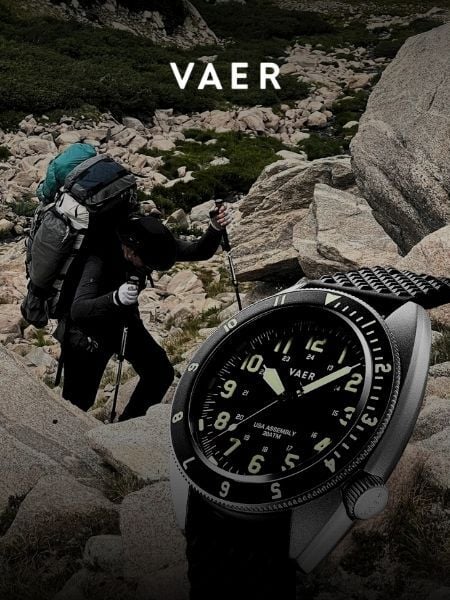 Vaer C4 Tactical Field SolarDurable timepiece for wilderness users - 20ATM (200m) water resistance, 120-click bezel, 316L SS casing, sapphire glass, solar-powered, Epson VS-42 Japanese movement, C3 Lume, USA assembly.
 © Beartooth Media Group Inc.
 Loading...