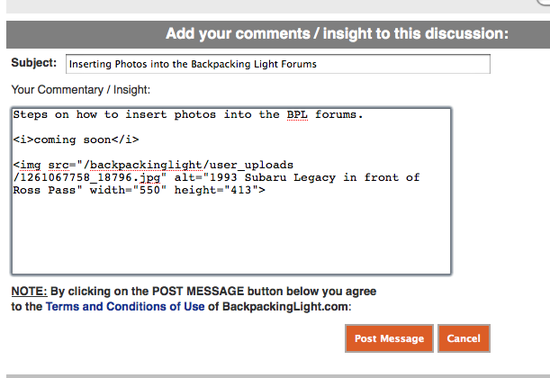
Steps on how to insert photos into the BPL forums.
1. Find the thread you want to add a photo to.
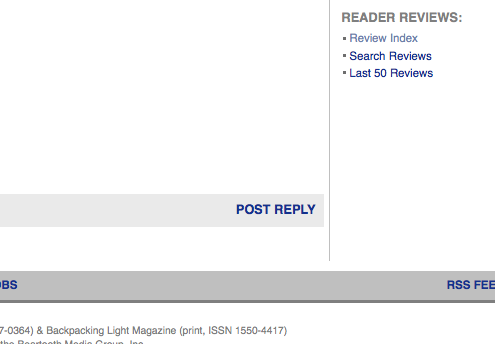
2. Click Post Reply.
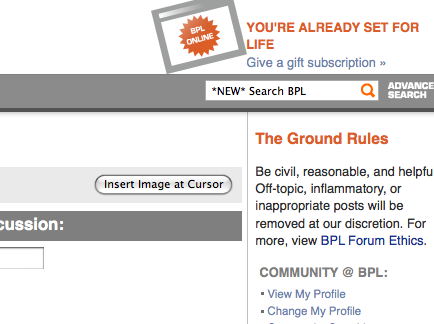
3. Click the Insert Image at Cursor button.
4. A window will pop up.
5. Click the Browse button.

6. Find the image you want to use from your computer.
7. Enter a description for the photo in the Description box.
8. Click the Upload Image button.
9. Click the Close Window button
10. Note that the proper code to display the image you just uploaded has been entered into your message.
11. Enter and format you message however you want so that it is how you want it displayed.
12. Click the Post Message button.