


Having problems in changing my avatar…it says the changes have been saved however the previous avatar still appears.
Cheers
Topic
Become a member to post in the forums.
Having problems in changing my avatar…it says the changes have been saved however the previous avatar still appears.
Cheers
Hi Mark
No, it just takes a little while to propagate.
Cheers
Thanks Roger,
I will see what it looks like in a few days,
Cheers
Mark
Also might be a browser caching thing.
Seems to have corrected overnight,
Cheers
Your Web browser was caching the image. After you've uploaded a new image, go to a forum where you've posted, right-click on your avater, select "view image", then when the image loads, refresh that page. This will update the avatar image.
Having avatar trouble too…just a test
Test
I did the whole view image sequence followed by a refresh but nothing changed. I saw the new image on the seperate window I had just opned up but not throughout the forum :/ Any other suggestions?
I'm no internet guru, but my impression is that two things have to happen before you see your new avatar after you've changed it. One is the image cache at BPL needs to refresh, and the other is your browser's cache needs to refresh. You can force the latter yourself. The BPL cache seems to do its thing when it wants. It might be helped along by you posting a new message. Or maybe not, just a theory.
Disclaimer: I could be wrong about all of this!
Become a member to post in the forums.
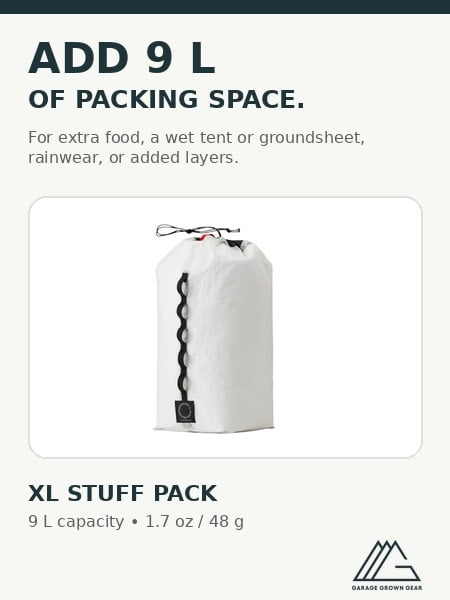 XL Stuff PackLightweight stuff pack designed to secure to the top of your backpack for carrying wet gear, extra food, rainwear, or layers.
 © Beartooth Media Group Inc.
 Loading...