


Is it taken off after checkout? usually when things are on sale they have a what it used to or what it normally cost, and they look to be about the same cost? or am I remembering wrong?
Topic
Become a member to post in the forums.
Is it taken off after checkout? usually when things are on sale they have a what it used to or what it normally cost, and they look to be about the same cost? or am I remembering wrong?
Jared,
Check again. All prices should be listed as on sale and show up as such in your shopping cart.
they do now, thanks! I tried to order it the other day and it wouldn't give me the sale price.
Sam,
I had this same problem, and was not able to get it to work. I saw the Aircore Pro Dyneema guyline Cord Kit on sale and put it into my cart 4/30/09. Product page showed the sale price, but I couldn't get the sale price in the cart. Like he said, it would not show previous price and sale price difference (price shown in the cart was the normal price, not the sale price shown on the product page). I tried refreshing the cart, removing the item and then putting it back in the cart, and coming back the next morning (I thought maybe there was some kind of cart glitch), but nothing worked. I gave up, but now I found this thread and I see others had this same problem, too. It sounds like you fixed later it on 5/1/09, so maybe I just should have tried it again later in the day? Rats! I looked again recently and the sale is over, so of course it doesn't work now. What to do?
June,
Three of the seven Aircore products are currently out of stock, but if you were interested in purchasing one of the products that is in stock, please file a customer support request and just paste in your response above as the message body and I'll get you a coupon code.
Instructions for filing a customer support request:
1. Visit backpackinglight.com
2. Login using your username and password
3. Click "My Account" in the top right hand corner of the screen
4. Click "Manage My Support Issues" located toward the bottom right hand corner of the screen
5. Click the link that states, "CLICK HERE TO SUBMIT A NEW ISSUE TO CUSTOMER SUPPORT"
– Sam
Hi Sam,
I filed a customer support request on 5/24 as you instructed me to do in your 5/20 post above, but I haven't heard back yet, so maybe I somehow didn't file it correctly, although it seemed to work right (I put "when convenient" rather than "ASAP," so that may also be why, but since I'm a newbie, I'm not sure). I do want to order an in-stock Aircore product. It has been about 10 days since I filed the support request, so just in case, I figured I'd try to reach you again here.
Thanks, Sam-
Become a member to post in the forums.
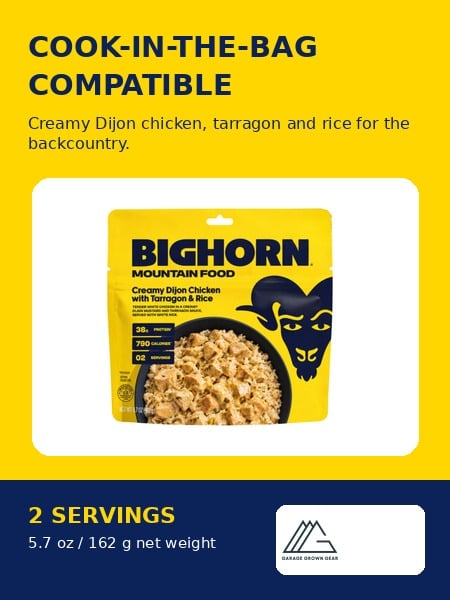 Creamy Dijon ChickenCook-in-the-bag chicken, tarragon, and rice backcountry meal with 2 servings. Net weight 5.7oz | 162g
 © Beartooth Media Group Inc.
 Loading...