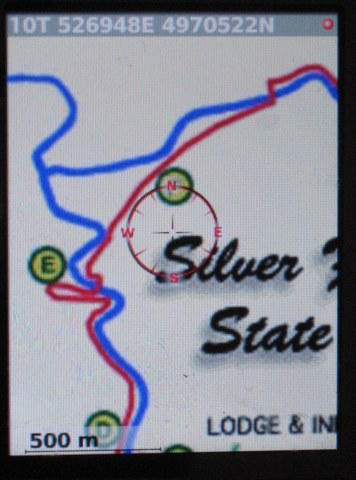
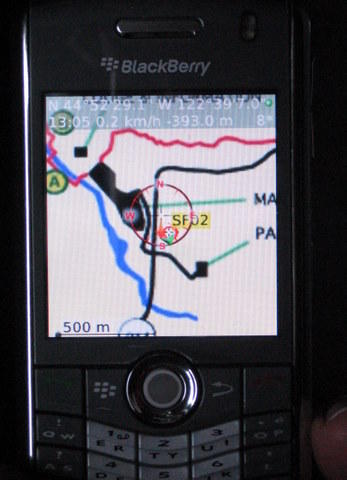
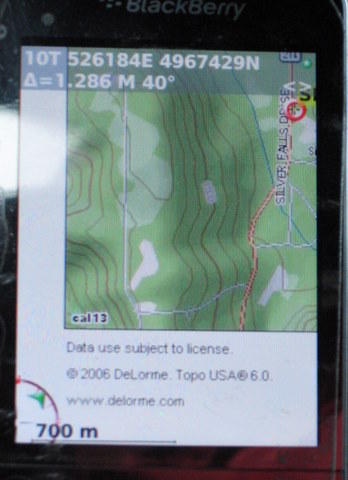
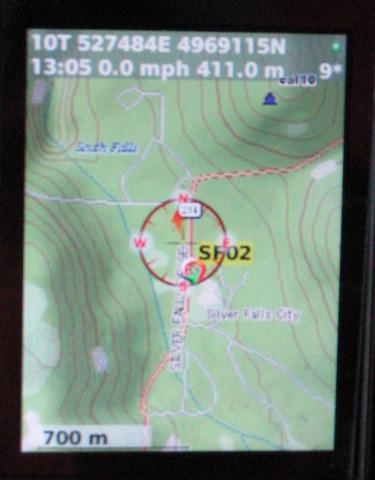
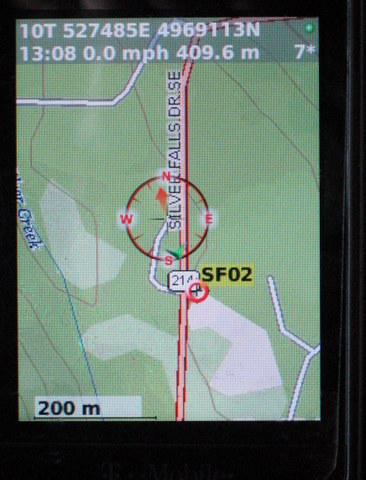
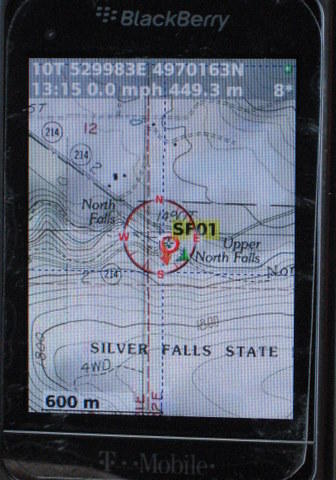
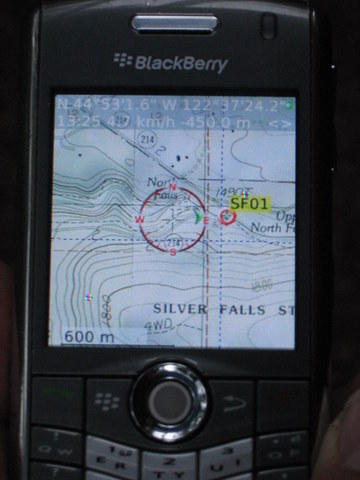
There has been considerable discussion at BPL over the use of GPS units and desktop mapping software. I've done a fair bit of research on this topic lately and wanted to share some things that I've found to clarify a rather confusing subject.
I know there is debate over whether or not a mapping GPS is necessary. The Garmin H is a very affordable high sensitivity non-mapping handheld that makes the perfect accompaniment to mapping skills.
I would like to make the argument that if one were to choose a mapping handheld, one should look for a product that allows downloadable scanned USGS 24K topo maps. Looking at the options for vector-based mapping, I can see why people would find these useless.
So why would anyone bother with scanned USGS maps on a GPS if you're carrying a paper map anyway? For me, it's a question of speed and simplicity. Sure, I can draw a UTM coordinate grid on my paper map, and at various points mark my non-mapping GPS coordinates on the paper map. But this is cumbersome enough to detract from my hiking experience if frequently used. I can also pre-plan my route and download the waypoints as recommended in the BPL article about the subject, but this limits one's ability to change the route mid-trip.
If, on the other hand, I have scanned USGS 24K maps on my GPS, finding my location is a simple matter of looking at the GPS screen, and finding the portion of that screen on my paper map. Since both the screen and paper map are identical, I can instantly locate my position on my paper map without getting out my ruler to trace the UTM coordinates, or try to interpret the differences between a vector GPS map and USGS paper map. Can I navigate with just a non-mapping GPS? You bet. But the USGS maps on my GPS greatly simplify and speed up the process of tracking one's progress.
There are a few other advantages to this method: pre-loaded waypoints are no longer needed, and one does not have to stick to a pre-planned itinerary. With a non-mapping GPS, you are most likely using the direction of travel arrow to get to your next waypoint. Changing route plans means re-doing your waypoints in the field, which is difficult at best without desktop software. With USGS maps on your GPS, you can simply trace your new route on your paper map in the field, and use your GPS to make sure you are following that route. And with some GPSs offering up to 32 GB of map storage, one can pre-load entire mountain ranges of USGS 24K maps, which means you have quite a bit of flexibility if your trip plans change (a closed trailhead, for example).
The lightest non-mapping GPS with the newer high-sensitivity receivers (important for canyons and forested canopies) is the Garmin eTrex H, which is unfortunately over 5.3 oz with batteries. But for an extra ounce you can get a GPS unit with scanned USGS 24K maps installed. Then the question becomes one of how much money you want to invest.
Finally, I think it is important to find a company that offers both desktop and handheld routing features using the same base map. Why pay for expensive desktop USGS Topo mapping software and then pay for separate expensive Vector-based handheld map software. This is effectively what one has to to with Garmin units.
– – – – –
Okay, so with preliminary 'justification,' I did some research, and found that there are now 3 companies that officially support scanned USGS 24K map downloads onto their handheld devices: Magellan, DeLorme, and Lowrance. Unfortunately Garmin's new 24K map series is still vector based. So here is a brief survey of my online surfing research:
The new Lowrance Endura GPS units look very promising, but use vector-based Accuterra maps. They have software, however, that allows you to download USGS 24K maps. Unfortunately it is web-based, so you do not get desktop trip planning software. This means that any route planning must be done on the GPS unit itself. Worse, they charge $5 per quad!! Hmm, sounds a bit cumbersome and very expensive to me. I'm not going to rule out these devices, though, until they come out in May.
So for now, this leaves Magellan and DeLorme. Magellan offers integration with both NG Topo! State maps and NG Explorer downloadable maps. This is theoretically nice since you can pre-plan your route on desktop software, print out the maps, and then transfer all the data (waypoints and USGS maps) onto the handheld device. Unfortunately the Magellan units have received less than favorable reviews across the board for being buggy and sluggish, and the NG Explorer software has some of the lowest ratings for modern software that I have ever seen.
– – – – –
I had kind of given up on the search, thinking the market is still immature, and almost bought the Garmin eTrex H non-mapping handheld to keep things simple.
But then I found out about DeLorme's new PN-40. I had written this off since their Topo USA software is vector based. But I just learned that they have a new service for downloading USGS 24K topo maps. For $30 per year, you can download an unlimited amount of USGS maps. Not bad, considering it would take over 6 years of this service to reach the price point of two NG or DeLorme state maps. This also helps keep the initial purchase price down.
The NG-40 looks quite bulky and unattractive to me. But at 5.35 oz without batteries (2 AA), it's about the same weight as the non-mapping Garmin eTrex H. It doesn't have as long of a battery life, but one standout feature is a display that claims to be very readable in daylight (many positive reviews on the display readability). Contrast this to the Garmin Oregon series, with many users complaining of an unreadable display in daylight. The PN-40 is not as big a screen, but I would take daylight readability over size any day.
Finally, the reviews of DeLorme's system are very positive (check gpspassion.com for a recent review), and it sounds like they've put some thought into the user experience from downloading the maps to getting them on your device.
– – – – –
I still go back and forth between the DeLorme PN-40 and the Garmin eTrex H, though. For about $80 I could own a high quality GPS unit, and for $1 per topo I can download and print the maps and waypoints I need via NG Explorer. That's quite a bit more affordable. I still want to see how easy it is to get 3rd party USGS maps onto a Lowrance Endura. But for now it appears, to me anyway, that the DeLorme PN-40 has the best combination of features: lightweight (for having a high sensitivity receiver), cheap maps (supported by the manufacturer that work both on desktop software and on the GPS unit), and a bright screen.
Comments from users of the PN-40 would be much appreciated. I would also welcome comments from users of non-mapping GPS units on how they are able to quickly orient without use of waypoints (i.e. if one's route plans change), as I am still considering the Garmin eTrex H.