


Topic
Become a member to post in the forums.


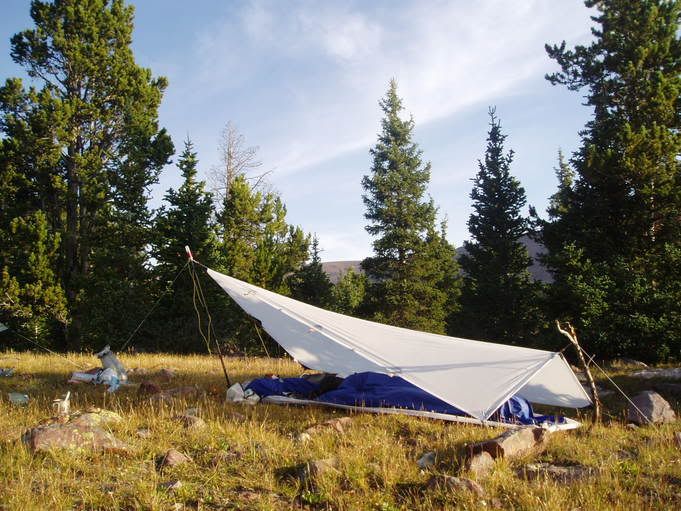
I am just figuring out how to post pictures, is there any way to get them smaller?
I just figured it out, thanks
Ryan how did you post the pictures and reduce their size?
And the trick is??????
if we don’t hear by from RyanF immediately, he may have already left for his expedition? if so, perhaps when he returns from his trek?

As seen above, he’s just accessing a smaller image file, not necessarily a reducing it via html.
Using “View > Source” in the IE toolbar, we can find his line of html, which looks like this:
img src=”//i15.photobucket.com/albums/a351/ryanfaulkner1/P1010438.jpg” </img
(I took away the opening and closing brackets, of course.)
With some tweaking, I made the image display at 1/4 the size, by specifying each side half as small.
First, find out the dimensions of the image.
You can do this by right-clicking the image in IE and going to “Properties.”
In this case the image is 284×213.
To make it quarter-size, I re-wrote Ryan’s html, and specified the dimensions.
So the line now reads as follows:
img src=”//i15.photobucket.com/albums/a351/ryanfaulkner1/P1010438.jpg” width=”142″ height=”106″
Don’t forget your opening and closing bracket thingies.
-Mark
I just got back from my 71 mile trek yesterday at 2.
anyway all I did to reduce the photos is save form the internet to my computer then to photo bucket. in photo bucket there is a link called edit, here you can change the size of the pictures

Your platypus is your basic monotreme.
Become a member to post in the forums.
 New Gear with Aluula FabricsLighter, stronger, more abrasion-resistant, and highly water-resistant - explore ultralight backpacking gear made with ALUULA Graflyte fabrics. Engineered for exceptional strength, durability, and lightweight performance, ALUULA Graflyte helps reduce pack weight without sacrificing reliability, making it ideal for demanding backcountry adventures.
 © Beartooth Media Group Inc.
 Loading...