


I have a garmin etrex vista C and cannot download waypoints from topo! to the unit. Anybody else have problems with this and if so how did you resolve it? Thanks.
Topic
Become a member to post in the forums.
I have a garmin etrex vista C and cannot download waypoints from topo! to the unit. Anybody else have problems with this and if so how did you resolve it? Thanks.
I have a Garmin eTrex Legend and GPSmap 60C. No problem downloading waypoints and routes with Topo!, however I’m using a Macintosh and a Keyspan USB->serial converter to make the serial connection. (Just remembered: it also worked on my PC with a serial connection.) Do you get a response when you click the Test Connection button?
I did have a problem with my eTrex serial cable: one of the contacts needed to be bent slightly to make a connection to the flat pin on the back of the GPSr. It was a very subtle problem because it looked like it was making a good connection but the plastic surrounding the flat pin was pushing the contact up just a bit.
I’ve had the same problem of failing to download the waypoints from Topo into my Garmin eTrek — using an IBM pc. I have not found a solution yet (although I haven’t tried much either). If you find a solution, please post so that I can see it too.
I am able to successfully upload and download waypoints to/from Topo! with my Garmin Geko 301. My Topo! software is at Version 4.0.0. This version works better for many things. I haven’t had my GPS all that long but was also able to upload & download waypoints using Version 3.
The settings that I have chosen are the receiver type = Garmin, Model = Geko 301. I’ve taken all the defaults for receiver characteristics. My notebook PC is usually running some other applications, especially Palm hotsync, that have to be stopped in order for Topo! to gain access to the COM1: serial port.

I strongly dislike Garmin’s own topo software. I use a variety of freeware tools, the latest being a free download from easygps.com.
Anon made me think that I’ve never tried Garmin’s own software. In addition to Topo! I’ve been able to use several shareware tools to manage waypoints with my Garmin GPS. EasyGPS works well and is an easy-to-use tool for managing waypoints.
I have a Garmin Rhino (not light, but functional for what I do. :-) ) The only time I have a problem is when I get the plug in the wrong USB port on my laptop. I also think Garmin’s topo program is junk. National Geographic’s topo maps are the best I have found yet.
I couldn’t get my imac to read the usb cable that came with my Garmin GPSmap 60CS… is serial connection the best way for these two to talk to each other? How did you make the serial connection work?
Topo! 3.4.3 only has the ability to make a serial connection to a GPS, and while Topo! (BRE) 4.1.3 does have a choice for “Garmin USB” it won’t make a connection to my GPSmap 60C. I use a Garmin serial cable with a Keyspan <http://www.keyspan.com> USB to Serial adapter (I have a Keyspan USA-19QW) successfully with my Macs, PCs and Virtual PC 6 and 7 running on Mac OS X, with various software packages with my Garmin GPSmap60C and eTrex Legend. With the Keyspan adapter and a serial cable, I can also run Garmin MapSource under Virtual PC. (Garmin MapSource doesn’t work with USB under Virtual PC; check this URL for more:
<http://www.klostermaier.de/andreas/gps/usbstatus.html>.)
The advantage of a serial cable is that it is required to transfer data via NMEA protocol. The advantage of a USB cable is that it is much faster for transferring MapSource maps (otherwise it’s probably not a big difference).
Garmin says their software will work under Mac OS X this year <http://www.garmin.com/pressroom/corporate/011006.html>, and the Topo! software is in a state of flux right now (major changes to the Mac version in progress), but if you want it now I recommend the serial adapter and cable solution. It just works.
Become a member to post in the forums.
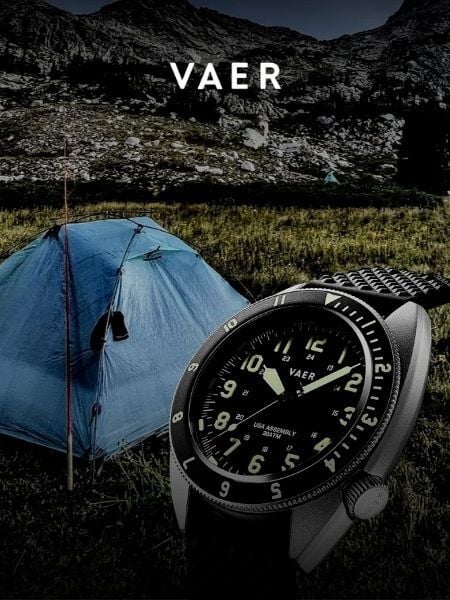 Vaer C4 Tactical Field SolarDurable timepiece for wilderness users - 20ATM (200m) water resistance, 120-click bezel, 316L SS casing, sapphire glass, solar-powered, Epson VS-42 Japanese movement, C3 Lume, USA assembly.
 © Beartooth Media Group Inc.
 Loading...